To
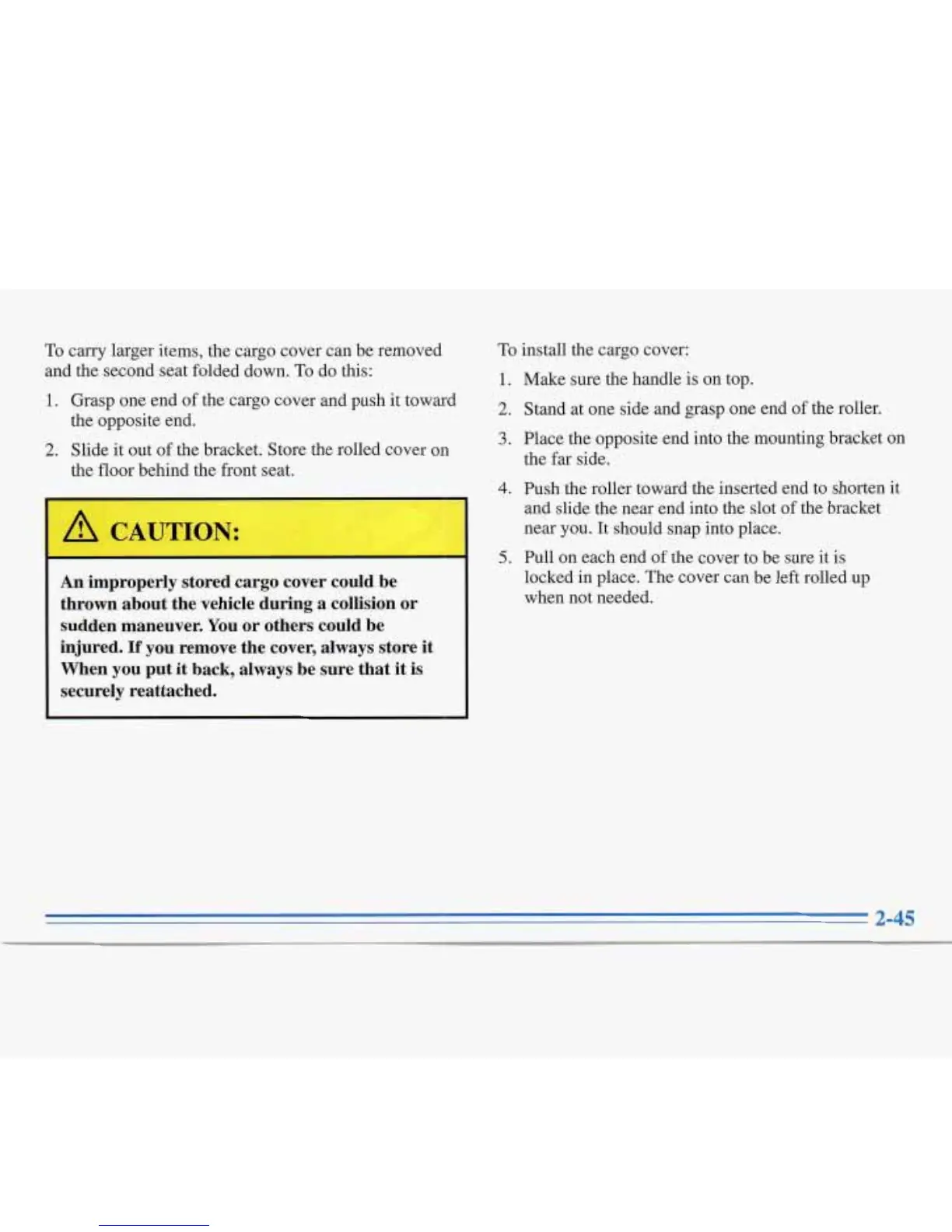
carry larger items, the cargo cover can be removed
and the second seat folded down.
To
do this:
1.
Grasp one end
of
the cargo cover and push it toward
2.
Slide it out
of
the bracket. Store the rolled cover on
the opposite end.
the
floor behind the front seat.
An
improperly stored cargo cover could be
thrown about the vehicle during a collision or
sudden maneuver. You or others could be
injured.
If
you remove the cover, always store it
When you put it back, always be sure that it is
securely reattached.
To
install the cargo cover:
1.
Make Sure
the
handle is on top.
2. Stand at one side and grasp one end of the roller.
3.
Place the opposite end into the mounting bracket
on
the
far
side.
4.
Push the roller toward the inserted end to shorten
it
and slide
the
near end into the slot of the bracket
near
you.
It should snap into place.
locked in place. The cover can be left rolled up
when not needed.
5.
Pull on each end of the cover to be sure it is
2-45


 To Next Page
 Loading...