Quick Start
1. Make sure the power switch is at OFF position. Load the batteries into
the battery compartment according to the polarities indicated. Load a
set of 12 (recommended), 6(emergency, battery bay A or B) AA
batteries. Or connect 12V external power supply to the camera by
using the correct cable and external battery.
The following batteries can be used, make sure it is 1.5V AA.
• High-performance alkaline batteries
• Lithium batteries
• Rechargeable Ni-MH batteries
2. Insert a TF card (32GB or smaller). Open the camera and insert the TF
card into the card slot. Refer to the card symbol on the case for proper
orientation. The camera supports up to 32 GB TF card.
3. Insert a Nano SIM card.
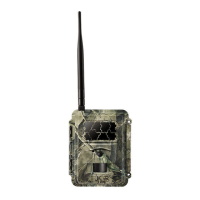
4. Screw the antenna onto the antenna jack on the top of the camera.
Make sure it’s all the way in but DO NOT over tight it.
5. Slide the power switch to the ON position. The camera will enter the
live preview mode and start searching the network.
6. Wait until the camera finds the network. If the wireless carrier is not



 To Next Page