76
12
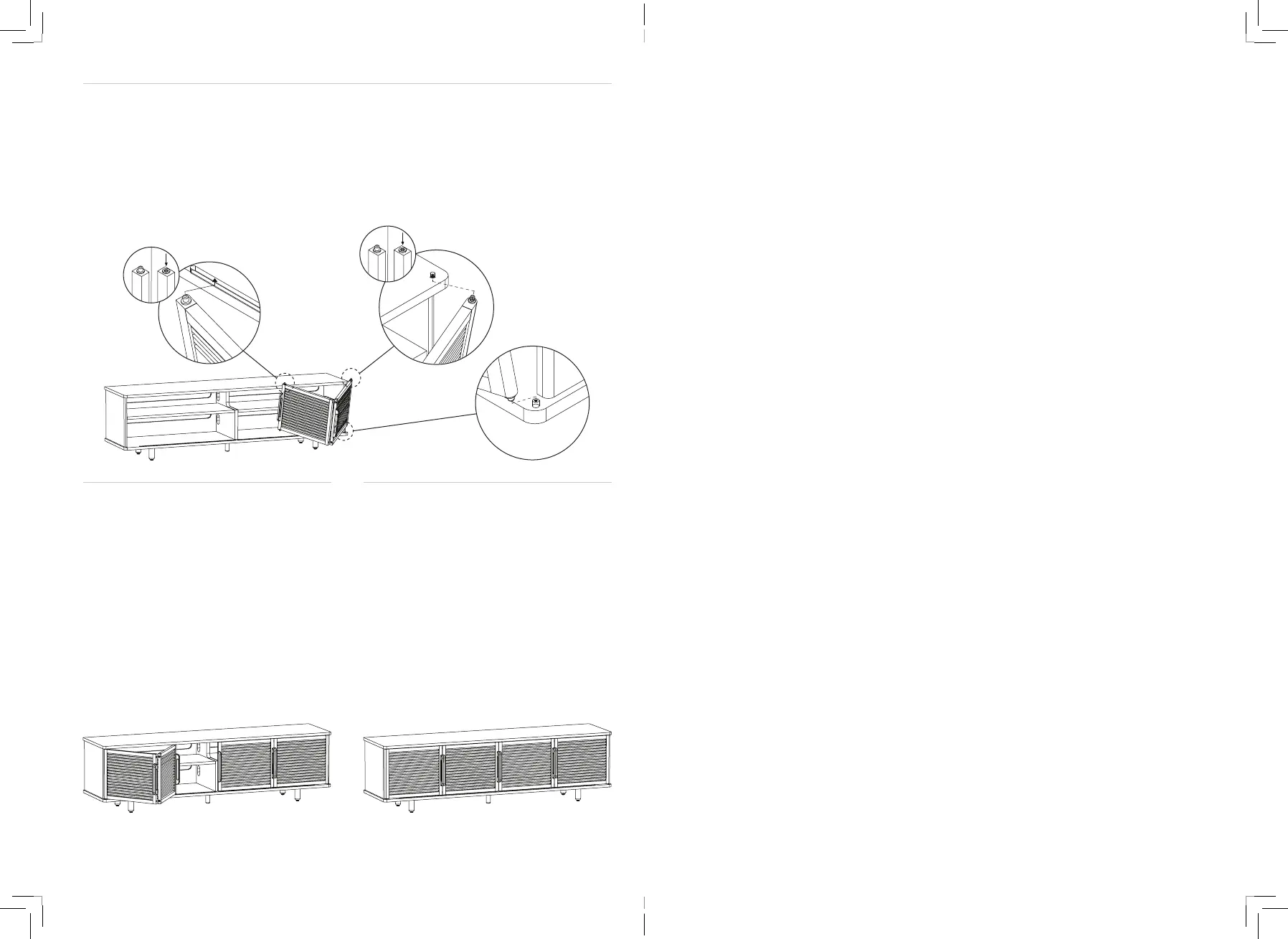
Grab the right door. As a reminder: right
and left are determined by your orientation
when looking at the front of the console,
but they’re marked with stickers for your
convenience. Orient the door so that the
two handles are closer to the middle of the
13
Repeat for the left door.
14
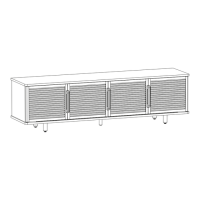
You’re all set! The doors slide open to
provide full access to the interior, and the
slatted design means they’re acoustically
transparent, making that shelf the perfect
place fo
r a sound bar.
unit, tilt it down to fit the bottom pins into
the hole on outer edge and track first, then
depress the spring-loaded top pins to fit
them underneath the top panel and into the
top track. Be careful not to pinch your fingers
in the middle hinge of the door.


 To Next Page