7
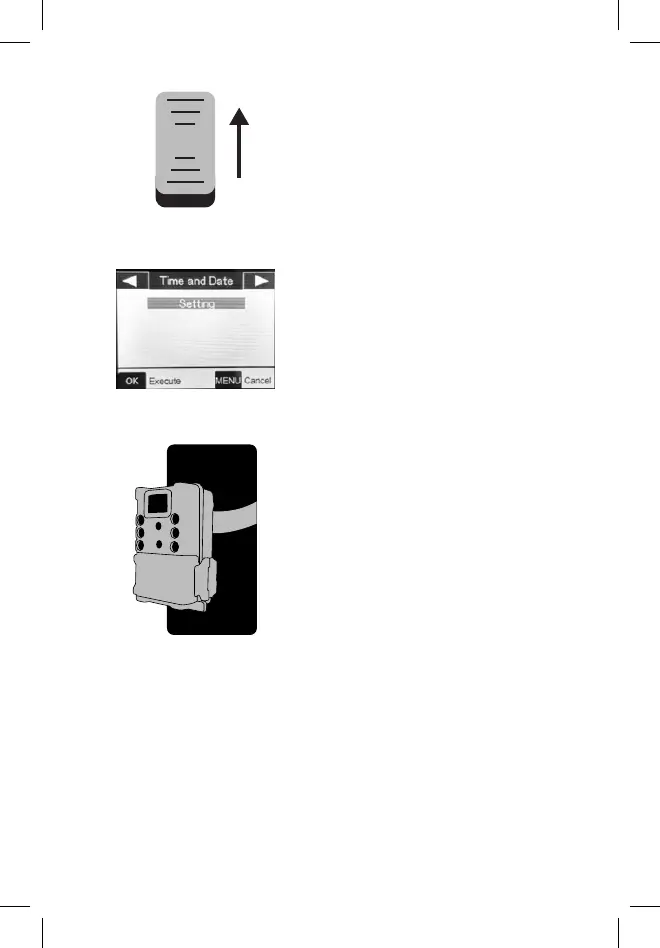
4. Switch the power ON.
5. Set the date and time.
6. Mount the camera using the
tree strap.
on
off
Your camera is now ready to use at its default settings:
photo mode, 10 sec intervals between photos, medium
resolution, “Long Range” illumination mode. If you would like
to customize your settings, see the Settings Menu section.
If you have questions, call Customer Service: 800-423-3537



 To Next Page