3 4
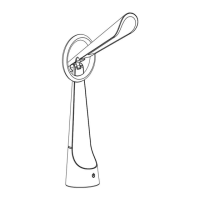
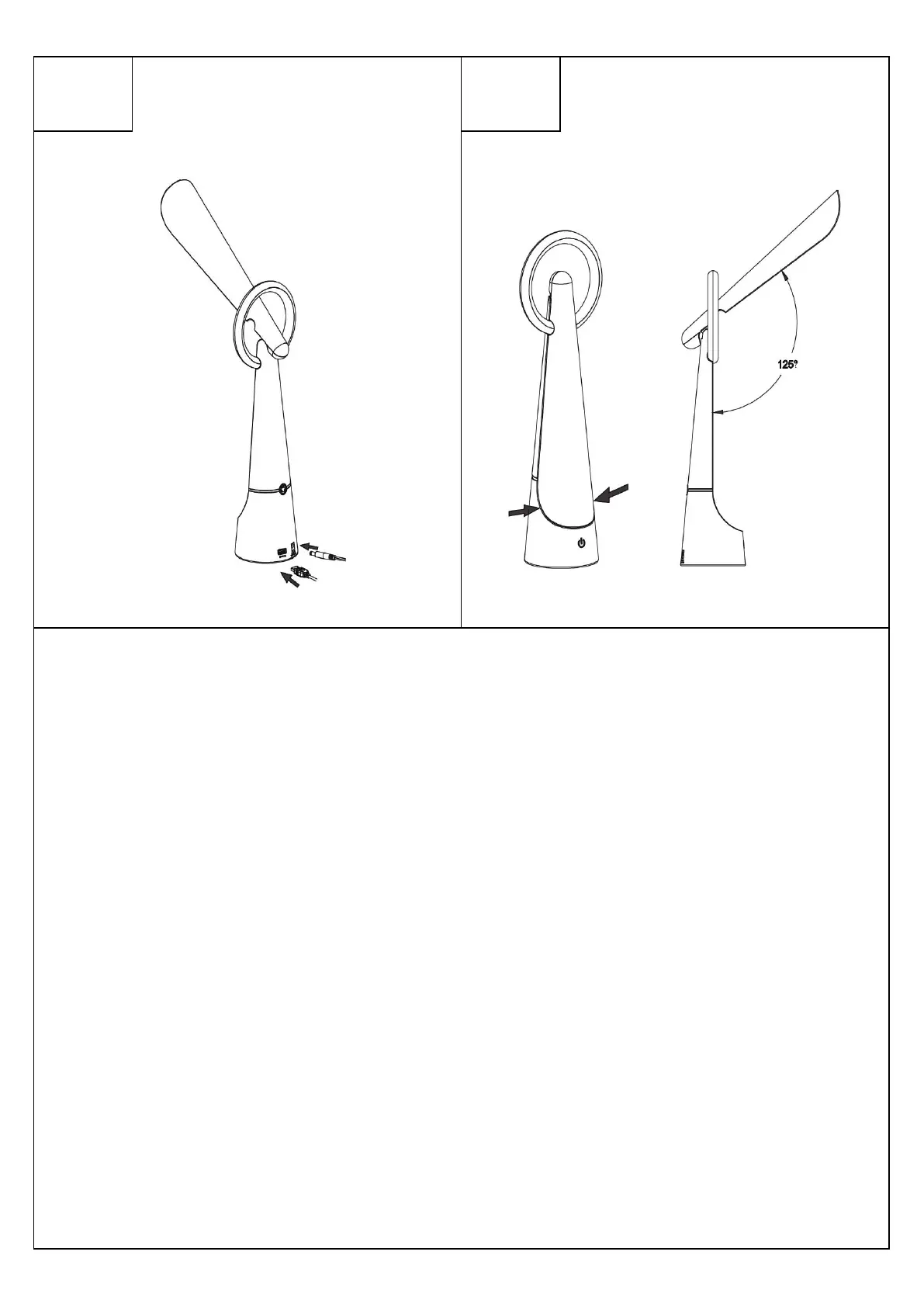
Figure 1:Utiliser l’adaptateur fourni pour connecter le produit à l’alimentation électrique. Appuyer sur le bouton marche à l’avant plusieurs fois
pour régler l’intensité de la lumière : 10 % / 40 % / 100 % / OFF .
Figure 2:Appuyer plusieurs fois sur le bouton « RGB » à l’arrière pour changer la couleur de l’anneau lumineux. Lorsque vous appuyez pour la
huitième fois sur le bouton, l’anneau change automatiquement de couleur. Pour éteindre l’anneau, il faut appuyer sur le bouton RGB pendant 5
secondes
Figure 3:Vous pouvez trouver un port USB 1A DC 5V à l’arrière de la base si vous souhaitez utiliser le produit avec un câble USB.
Figure 4:Vous pouvez régler l’inclinaison de la tête. Ouverture maximale de 125°.
Figure 1Use the supplied adapter to connect the product to the power supply. Press the power button on the front several times to adjust the
intensity of the light: 10% / 40% / 100% / OFF .
Figure 2: Repeatedly press the "RGB" button on the back to change the color of the light ring. When you press the button for the eighth time, the
ring automatically changes color. To turn off the ring, press the RGB button for 5 seconds
Figure 3: You can find a 1A DC 5V USB port on the back of the base if you want to use the product with a USB cable.
Figure 4:You can adjust the head tilt. Maximum opening of 125°.
2


 To Next Page
 Loading...