1
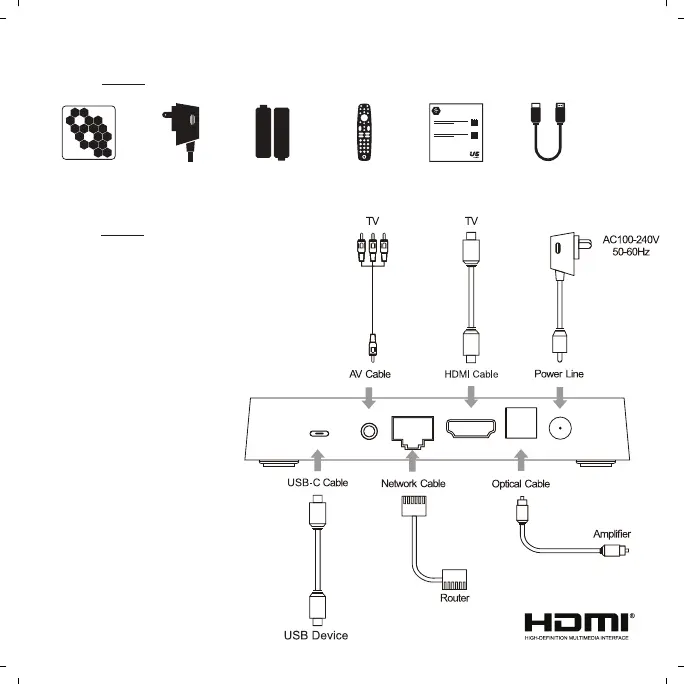
AV Connection
a. Connect the AV cable of the 3
color (red/ white/yellow) to the U5’s
AV output interface, and the other
end to the TV’s AV input interface.
Connection can be made by colour.
b. Power on the U5. Set the TV video
mode to AV input.
HDTV Connection
a. Connect HDMI cable to the U5’s output
interface, and the other end to the TV’s
HDMI input interface.
b. Power on the U5. Set the TV video
mode to HDTV input.
2
C ONNE CTION
P A CKAGE C ONTENTS
DC 12V
AV
HDMI
OPTICAL
ETHERNET
USB-C
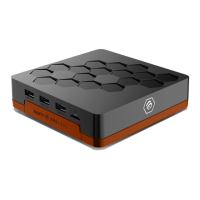
U5 SET
TOP BOX
POWER
SUPPLY
2 X AAA
BATTERIES
BT-400
SMART
REMOTE
QUICK
START
CARD
HDMI
CABLE


 To Next Page