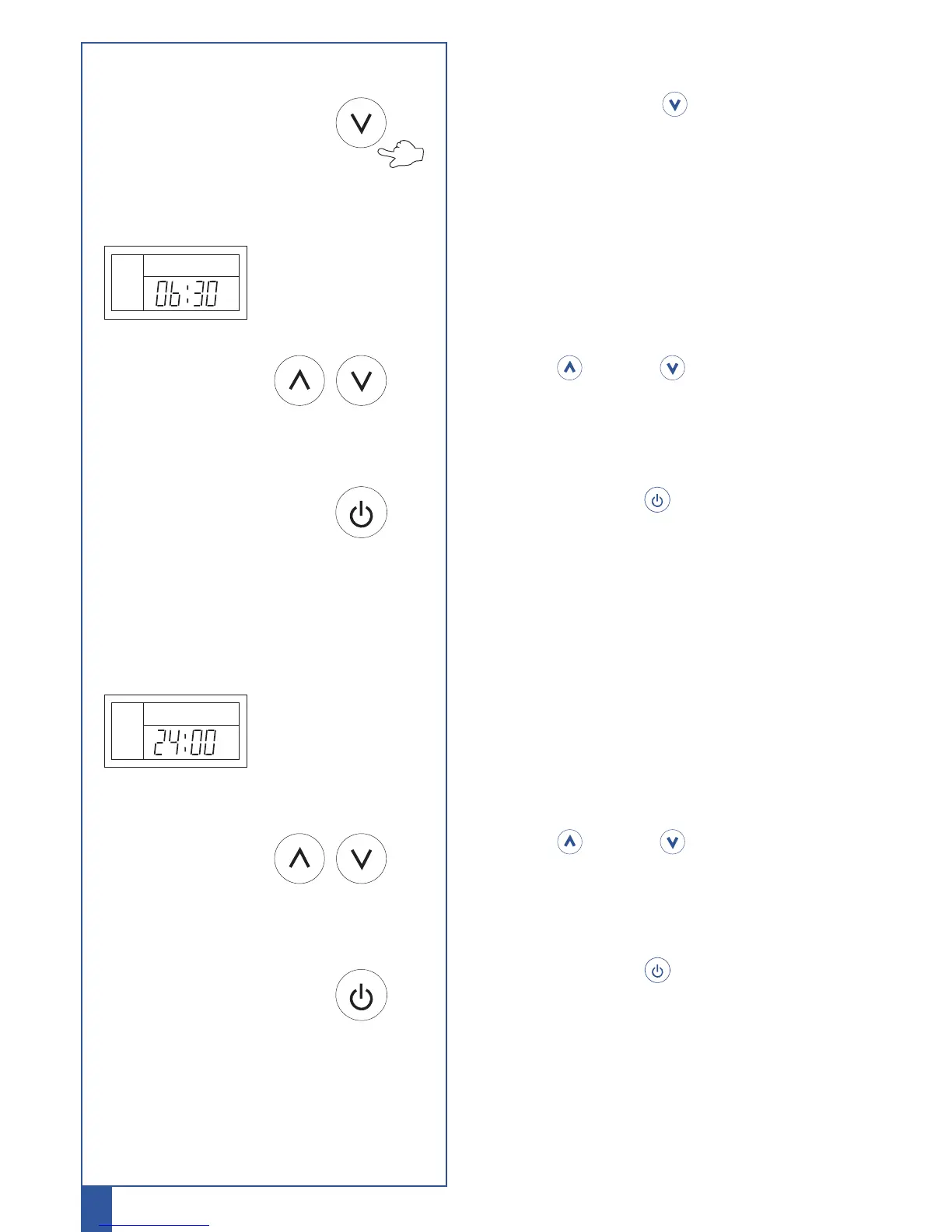
Setting ECO mode
Press and hold Down control button for 3
seconds to enter ECO mode.
* ECO will start to blink
ECO mode: the time system starts to function
* ON starts to blink
Press Up or Down control button to set
the time you want the system to start
Press Power button to confirm the start
time
"ON" will stop blinking
"OFF" will start to blink
ECO mode: the time system stops to function
* OFF starts to blink
Press Up or Down control button to set
the time you want the system to stop
Press Power button to confirm the stop
time
"OFF" will stop blinking
12
℃
ECO
ON
OFF
ECO



 To Next Page