9.
Setup system information
10.
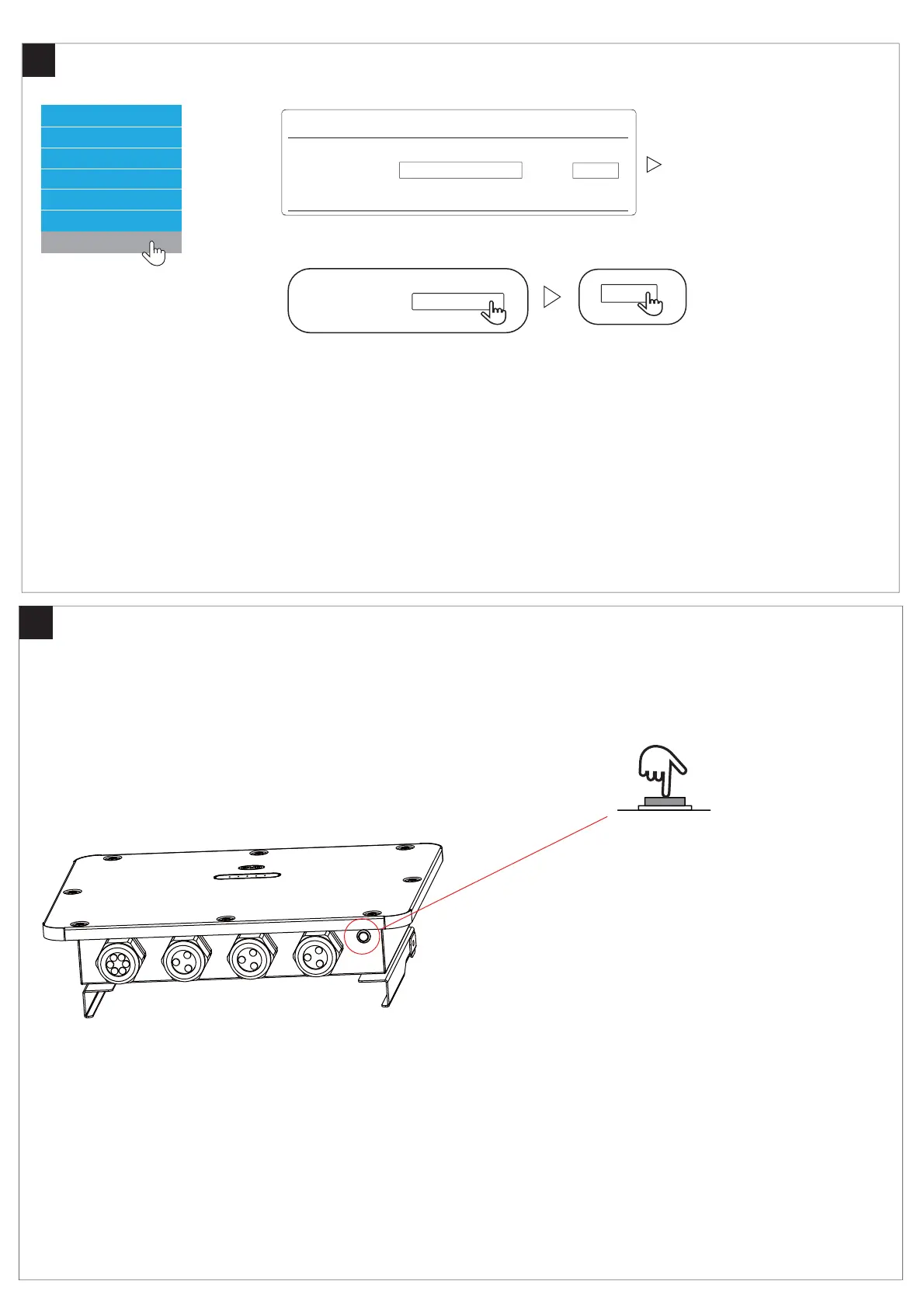
About Button
Installation Config
Statistics Information
Current Alarm
History Alarm
Run Date
Set Password
Please input file:
Upload
Update
Please input the file :
Upload
Search
Search
Update
Press the button
T=Pressing Time
1S<T<5S Turn on /Turn off the WIFI of BMU
5S<T<10S reset password of WIFI of BMU
T>15S first and then Press 1S, Restart the BMU
*The BMU’s WIFI not power off automatically,But you can turn it off manually.
*The software version can only be upgraded and cannot be downgraded.



 To Next Page