BYD AUTO S6, S6A, S6K Owner's Manual
Comfort and convenience devices 1-72
sensor may be damaged.
During parking, the auxiliary parking
system will remind the driver of the
distance between the car and the
barrier through the multi-functional
display, touch screen and buzzer. A
sensor is used in this system to detect
the barrier.
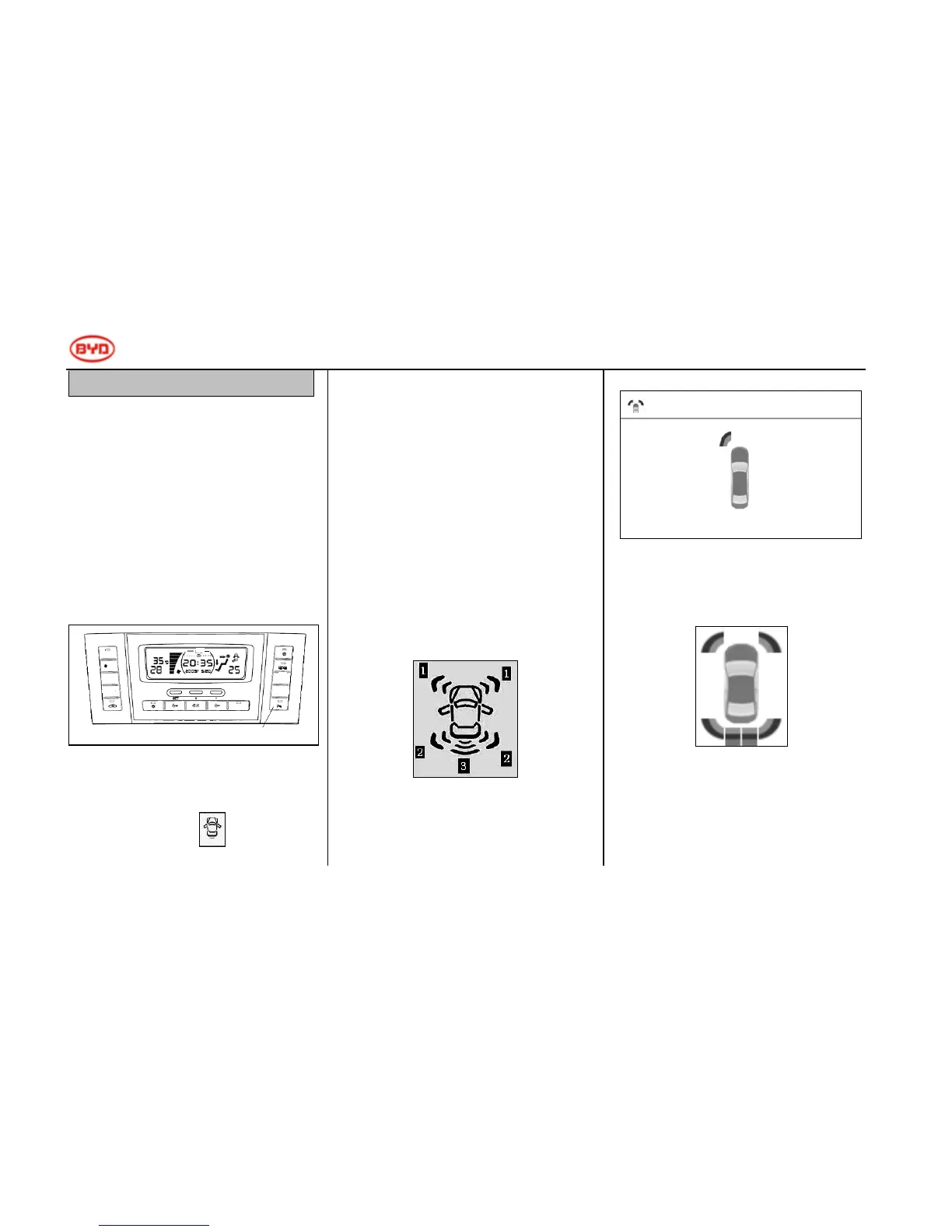
Auxiliary parking switch (optional)
On the air conditioning panel
After the switch is pressed, the
multi-functional display will illuminate
the car-shaped icon to inform the
user that the system is working.
Display
When the sensor detects a barrier, the
icon will be displayed on the
multi-functional display/air conditioning
panel and touch screen according to the
shape of the barrier and the distance
between the car and the barrier.
◆ Multi-functional display/air
conditioning panel
◆ Touch screen
When the car moves forward, the touch
screen will show the full-screen display.
When the car reverses
The top right of the screen will display
Distance display and buzzer
When the sensor detects a barrier, the
direction of the barrier and the
approximate distance between the car
Auxiliary parking switch
Outdoor
temperature
Mode
Independe
nt control
Temperature-
Temperature+



 To Next Page