Page 16
CCRadio2E
Radio Operation
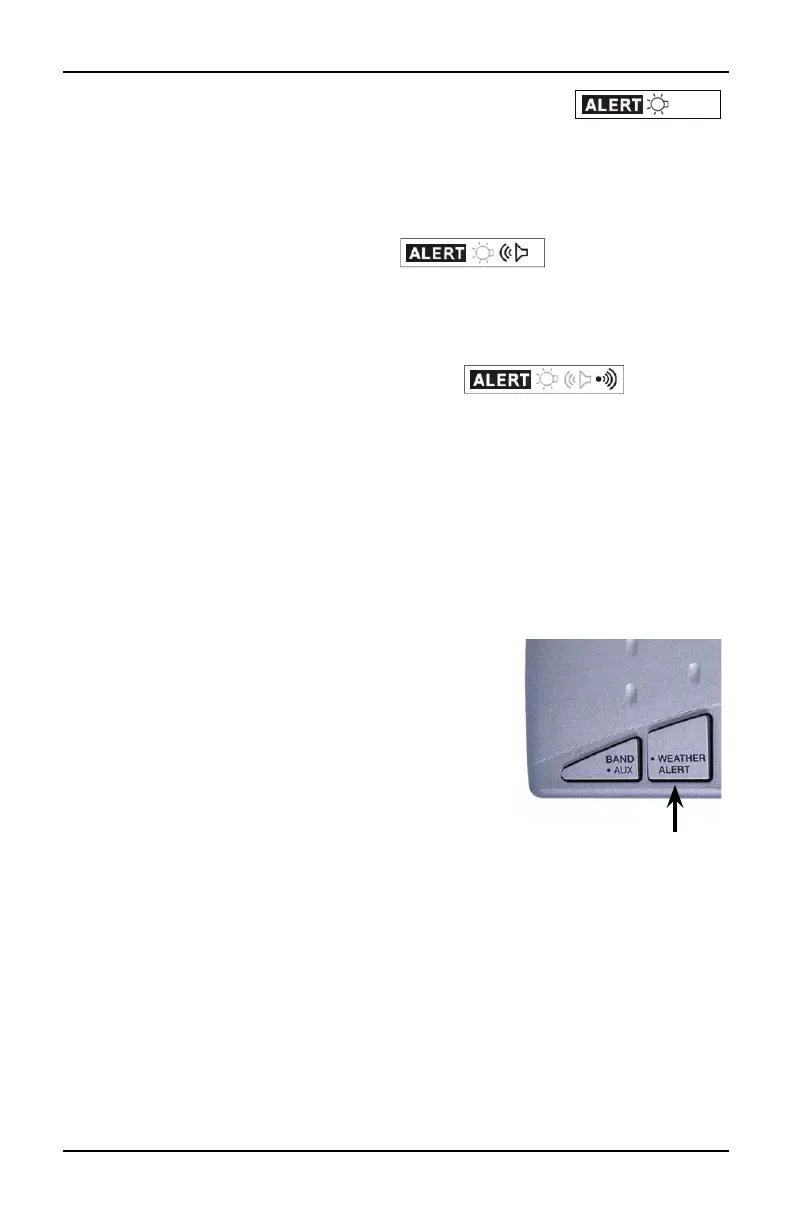
This symbol is the WEATHER ALERT mode with ashing
light only (no Alarm). If NOAA issues a weather related emergency, the
radio will automatically alert you with a small ashing light near the top of
the radio. The Alert light will continue to ash until any button is pushed.
2) To access the second mode, (WEATHER ALERT with NOAA Audio).
Press and hold the Weather Alert button again for two seconds until
you hear a long beep. This symbol will be displayed in
this mode. In this mode, if the NOAA alert tone is issued, the red light
ashes and the radio switches to Weather Audio automatically.
3) To access the third mode, (WEATHER ALERT with ashing light and
siren). Press and hold the Weather Alert button again for two seconds
until you hear a double beep. This symbol will
appear and the red light near the top radio comes on continuously.
In this mode, if the NOAA alert tone is issued, the red light on the top of
the radio ashes and a siren turns on for up to 1 minute. In this mode,
when the siren is active, pressing any button on the radio instantly turns
the radio to the Weather Audio and cancels the siren.
SPECIAL NOTE: If you have the headphones plugged in and a weather
alert is issued, the audio to the headphones will be cut-o and the siren
will sound through the radio’s speaker.
TURNING OFF THE WEATHER ALERT
Press the Weather Alert button again for two
seconds. The alarm will go o and become
inactive. The ALERT symbol will disappear from
the display.
In any of the active WEATHER ALERT modes, the
weather receiver stays on and listens for an
emergency tone issued from NOAA in case of
emergency.
You may get a periodic test tone from the NOAA that will cause an
unexpected alarm on your CCRadio2E. This tone is only a test and will
happen periodically, usually every Wednesday at noon, or whenever the
agency decides to test their emergency alert system. Simply pressing any
button on the receiver will shut the alert tone o. After an alert has been
issued, the WEATHER ALERT light and/or siren will stay on for one minute
or until you turn it o by pressing any button.
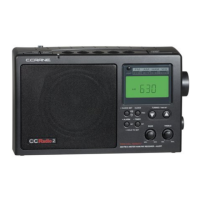
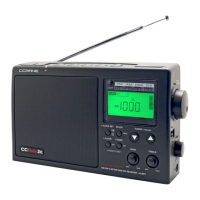
Weather Alert Button
Left Side
Top of Radio




 To Next Page