4
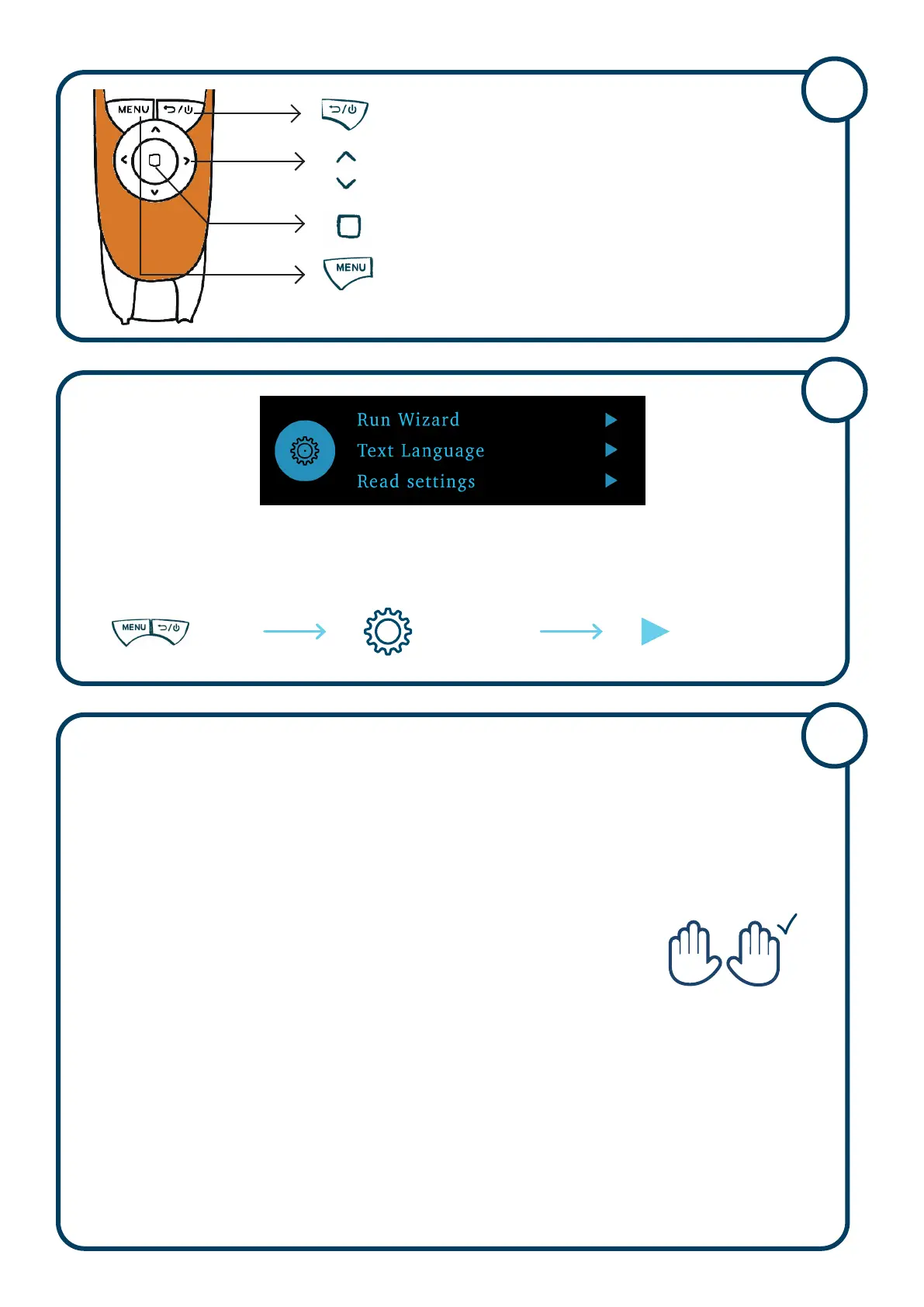
To re-set all of the settings on the pen
On Settings Run Wizard
Follow the set up instructions
5
• If your pen has your name on it and you know it has been set up for you
no worries. You are good to pick up your pen and use it.
• Are you using THIS Exam Reader 2
TM
Pen for the first time?
Check the following things:
• Have you run the Wizard? See Picture 5. If not run it now.
Make sure you correctly set up for Right or Left-Handed.
• You will want the pen turned on and ready to use for the whole exam.
Go to Settings - Display - Auto Shut Down – Choose 2 hours
The pen will always be ready to use.
• Do you normally use word pause or read delay?
You can find these settings in the Reader Menu
Choose ‘Reader’ and then press the Menu Button for more options
Word Pause and Read Delay can be found in ‘Read Settings’
Set Up Your Pen to Support Exam Use
6
L R
Copyright © 2023. Scanning Pens. All Rights Reserved. Version 23.0
Main Menu, options, back
Arrow buttons give more options
Choose
Menu
Picture 5


 To Previous Page
 Loading...