12
13
WIRELESS DLNA CONNECTION (WLAN) TO WIFI NETWORK
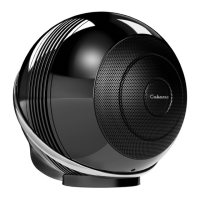
THE PEARL / THE PEARL AKOYA / THE PEARL SUB
on a smartphone or tablet connected to the Wi-Fi network.
1. Install the Cabasse Stream CONTROL App on your tablet
/ smartphone from "Play Store" for an Android device, or
"App Store" for an Apple product.
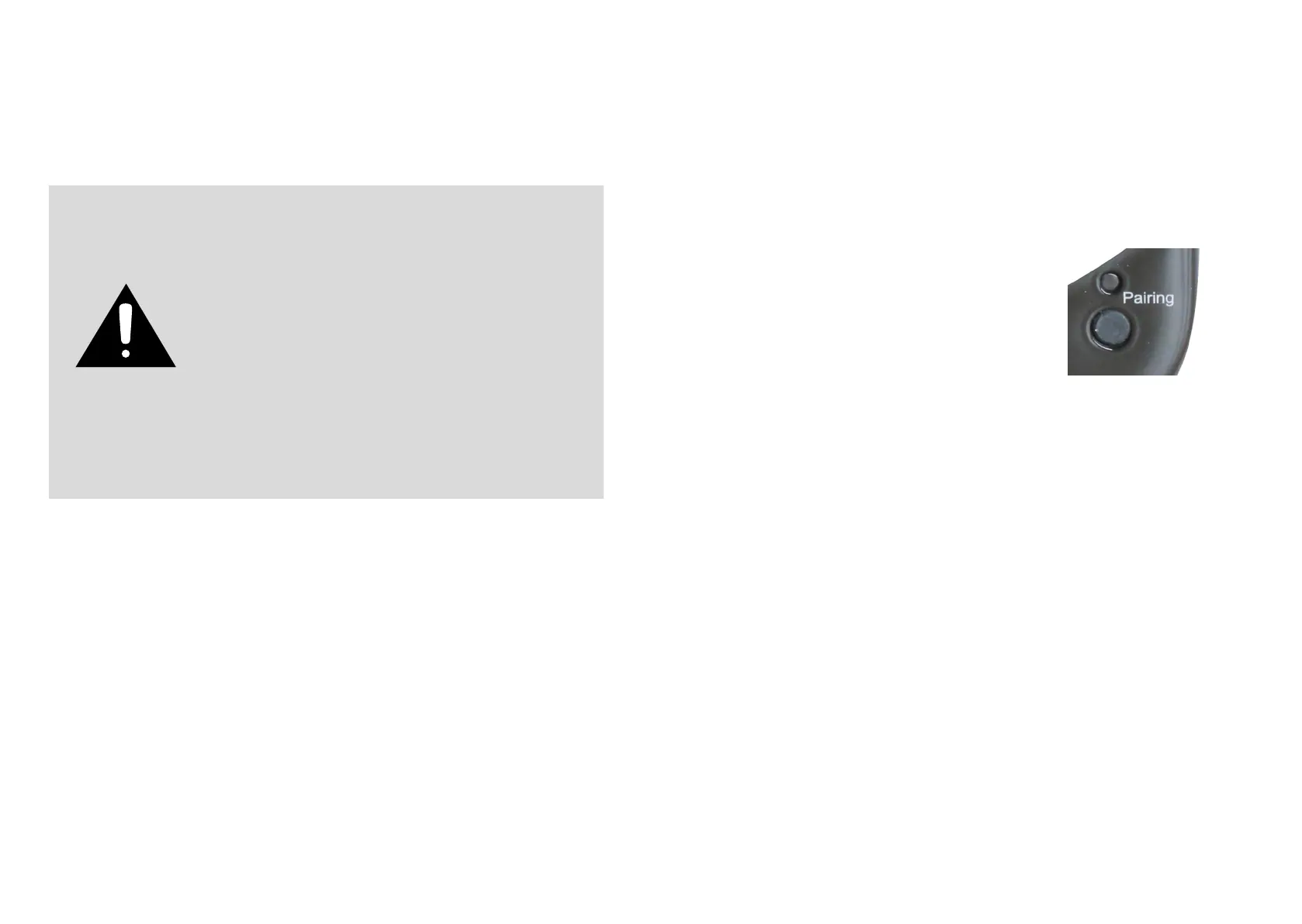
2. Press "pairing" button for 3 seconds: the blinking pairing
LED shows that the device is ready for pairing
3. Open the "settings" or "parameters" App of your smart
phone or tablet, select "Wi-Fi " then "THE PEARL XXX"
among the list of available networks. You might have to
wait a little for THE PEARL to be listed.
4. Open the application and choose "congure this new
player"
5. Follow the instructions and upon request select the wi-
network to be used and enter the network password.
6. Start listening to your favorite music from your smartphone, key or hard drive connected
to THE device's USB input, or using sources connected to its analog input or optical input.
The sources connected to the analog and optical inputs of the device can be played by all
the other Stream devices belonging to the same zone.
WARNING ! An update of software can start automatically as soon as an
internet connection is made.
The beginning and the end of the update are announced by voice.
Do not turn off or disconnect
THE PEARL,
THE PEARL AKOYA or
THE PEARL SUB
during updates that may require several
minutes.




 To Next Page