16
17
AUDIO CUSTOMIZATION
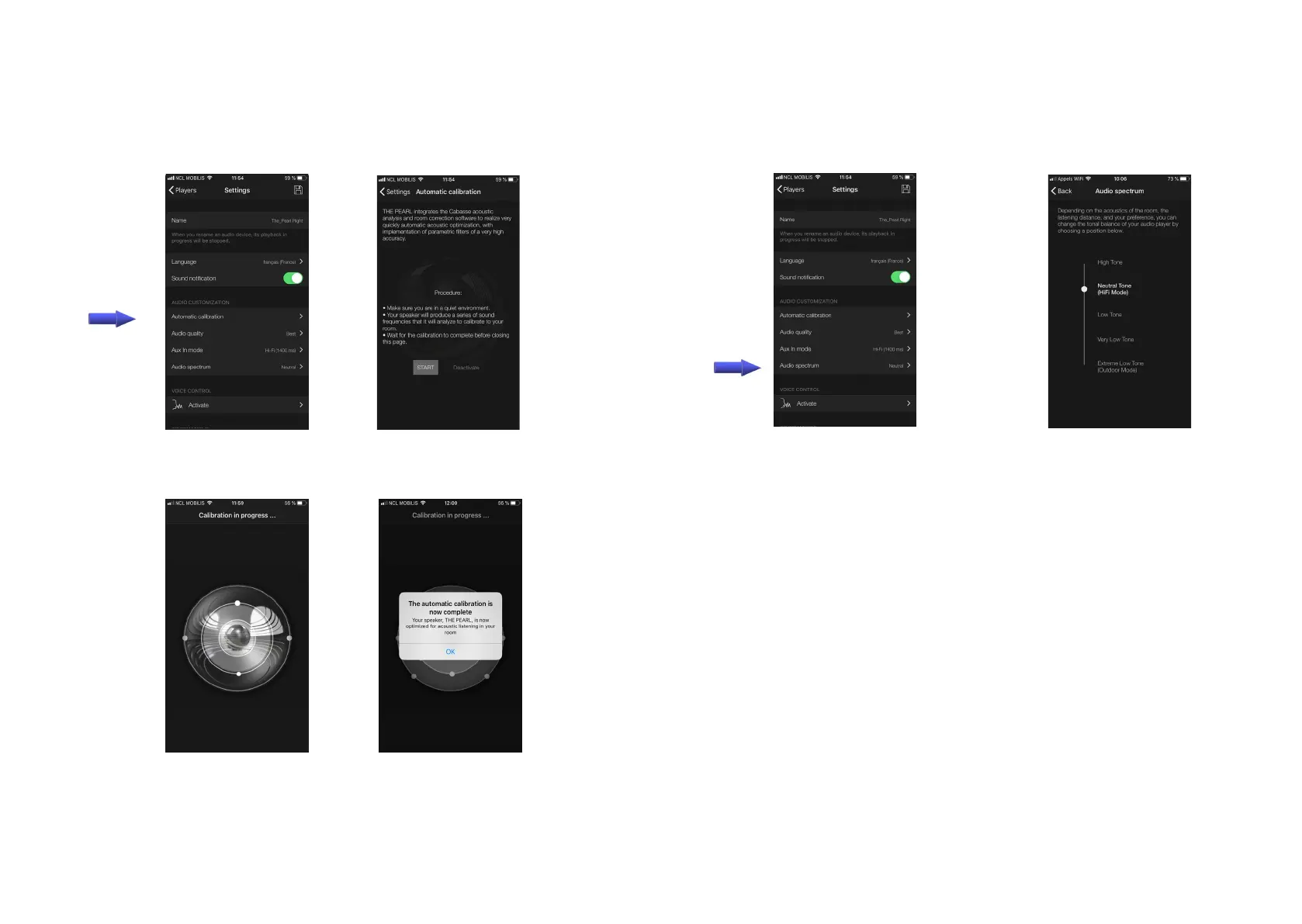
AUTOMATIC CALIBRATION
4: stay away from the
speaker during calibra-
tion. Avoid making
noise
2 : enter into settings /
players / The Pearl / au-
tomatic calibration
3 : follow the instruc-
tions and press "start"
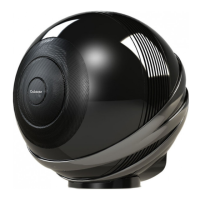
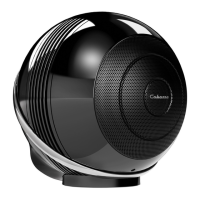
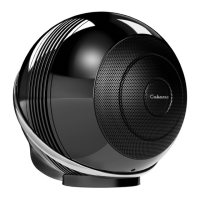
1: place The Pearl speaker on a stable and not resonant stand
or support, with a correct height and orientation according to
your favorite listening positions.
4: press OK to exit or fol-
low further instructions
AUDIO OPTIMIZATION
PREFERED AUDIO SPECTRUM
1 : enter into settings /
players / The Pearl / Au-
dio Spectrum
2: select the expected res-
ponse curve, press "Back"
and save the setting.
Listen to The Pearl with
your favorite cuts. Test an
other option if the set-
ting does not meet your
expectations.




 To Next Page