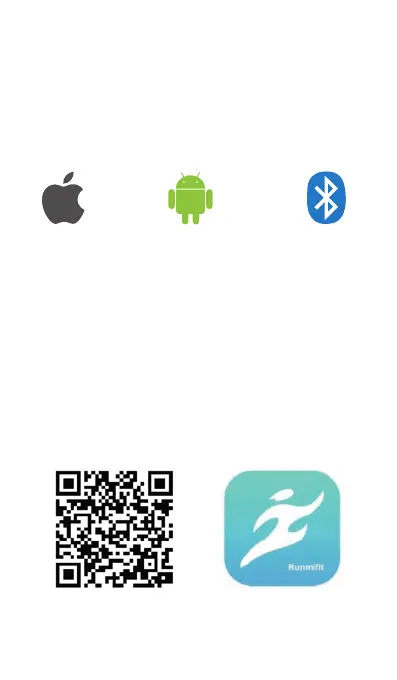
1. Download Runmifit App
Search and download the Runmifit app from the Apple
Store or Android app store.
OR
Scan the QR code below to download and install the
Runmifit app.
Give consent / permission to the app to use the Bluetooth
data transmission function.
Note: The Flash fitness tracker works with the Runmifit
app only, and does not support 3rd party fitness apps.
iOS 9.0 & Above Android 4.4 & Above Supports Bluetooth 4.0
& Above
Setting
Use Runmifit app on iOS or Android smart phone to set
the FLASH as follows:
Note: hardware and system of devices should meet the
below requirements:
01



 To Next Page