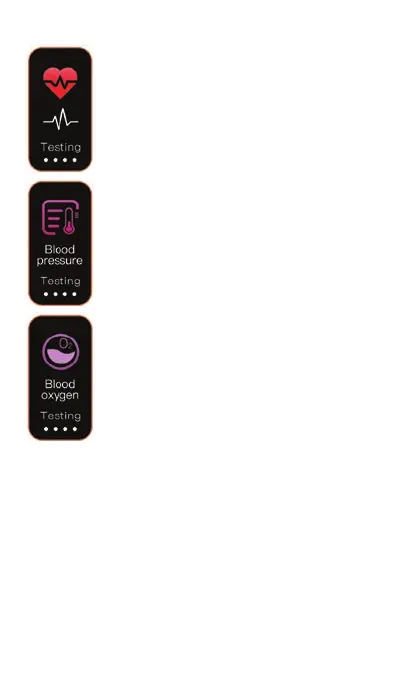
Heart Rate, Blood Pressure, Blood Oxygen
• Heart rate is detected automatically, unless
switched o in the app. To activate manual
heart rate measurement (beats per minute)
long press the touch key.
• Blood pressure – long press the touch key
to action blood pressure measurement and
wait for detection.
• Blood oxygen – long press the touch key to
action blood oxygen measurement and wait
for detection.
Sport
• 4 sports modes appear on the device from a range of 16
available – to make changes, go to More > sport mode >
16 modes available
• For sport session measurement, press and hold for 3
seconds on the selected exercise interface to start the
exercise measurement; tap during exercise to pause the
exercise; press and hold for 3 seconds to end the
exercise
• Sport data can be viewed in the app, go to Health >
Sport record
06



 To Next Page