Infotainment System 7-19
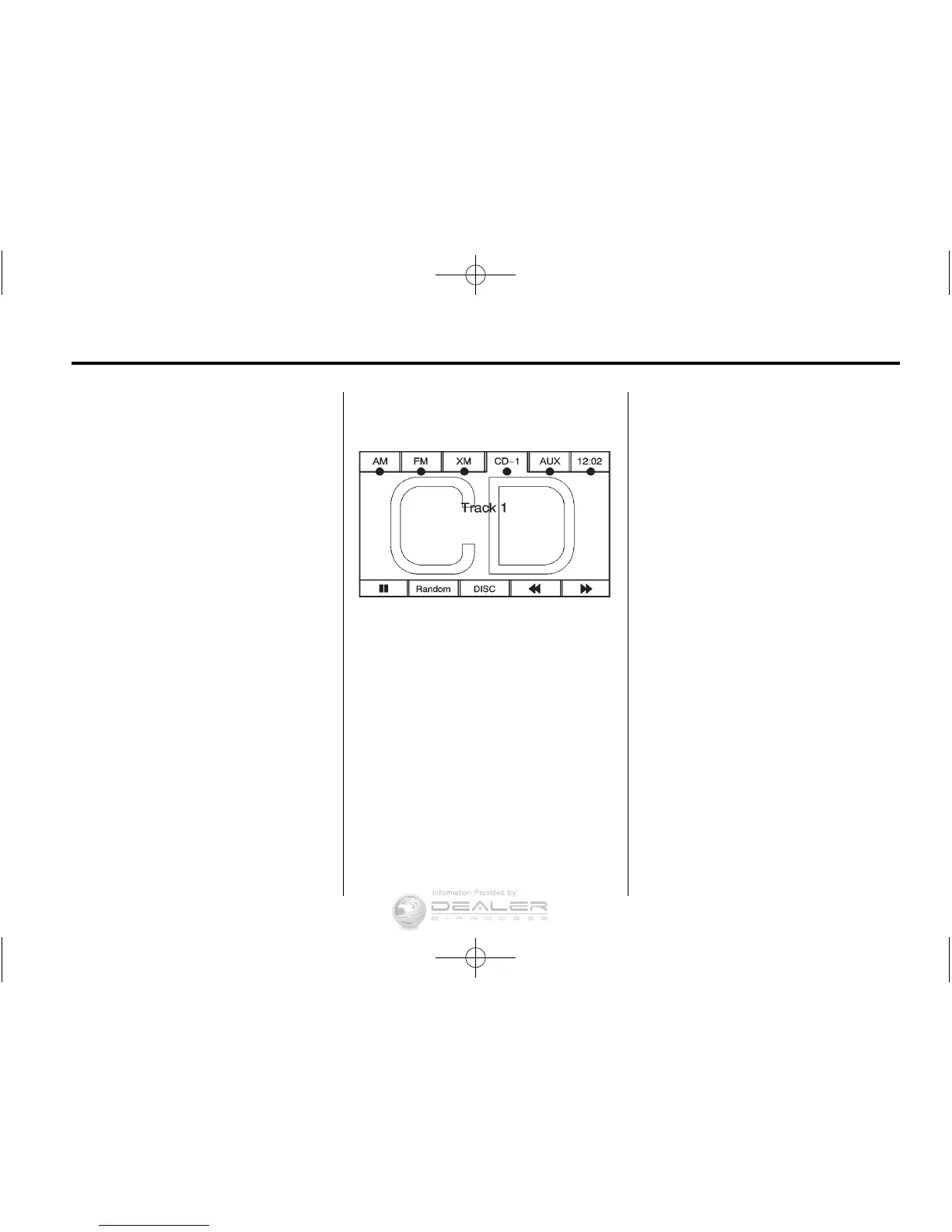
As each new track starts to play, the
track number displays.
If an error appears on the display,
see “CD/DVD Messages” in this
section.
If viewing a map screen, press the
CD screen button. The display splits
between the audio screen and the
map screen. If you do not want to
view a split screen or you are not on
a map screen, press AUDIO then
press AUDIO again, repeatedly until
CD is selected or press the CD
screen button.
Z (Eject): To eject a disc:
1. Press
Z.
2. The system displays
“Ejecting Disc.”
Playing an Audio CD
j / r (Pause/Play): Press to pause
the CD. This button will then change
to the play button. Press the play
button to play the CD.
Random:
1. Press to hear the tracks in
random, rather than sequential,
order.
2. Press Random again to turn off
random play.
r (Rewind):
1. Press and hold this screen
button to rewind quickly through
a track selection. You will hear
sound at a reduced volume.
2. Release this screen button to
stop rewinding. The display will
show the elapsed time of the
track.
[ (Forward):
1. Press and hold this screen
button to fast forward quickly
through a track selection. You
will hear sound at a reduced
volume.
2. Release this screen button to
stop fast forwarding. The display
will show the elapsed time of the
track.













 To Next Page