7-74 Infotainment System
5. Press GO, located next to the
POI. The map screen, with the
destination marked displays.
6. Select the route preference for
Fastest, Shortest, or Other. The
system calculates and highlights
the route.
7. Press Start Guidance. The route
is now ready to be started.
See “Getting Started on Your
Route” in this section for more
information.
To use the point of interest
destination entry method by
selecting to do a franchise search:
1. Press DEST.
2. Press
i.
3. Press Franchise Search to view
a list of franchise categories.
4. Select a category.
The system displays available
POI names in the selected
category.
5. Press GO, located next to the
POI. The map screen, with the
destination marked displays.
6. Select the route preference for
Fastest, Shortest, or Other. The
system calculates and highlights
the route.
7. Press Start Guidance. The route
is now ready to be started.
See “Getting Started on Your
Route” in this section for more
information.
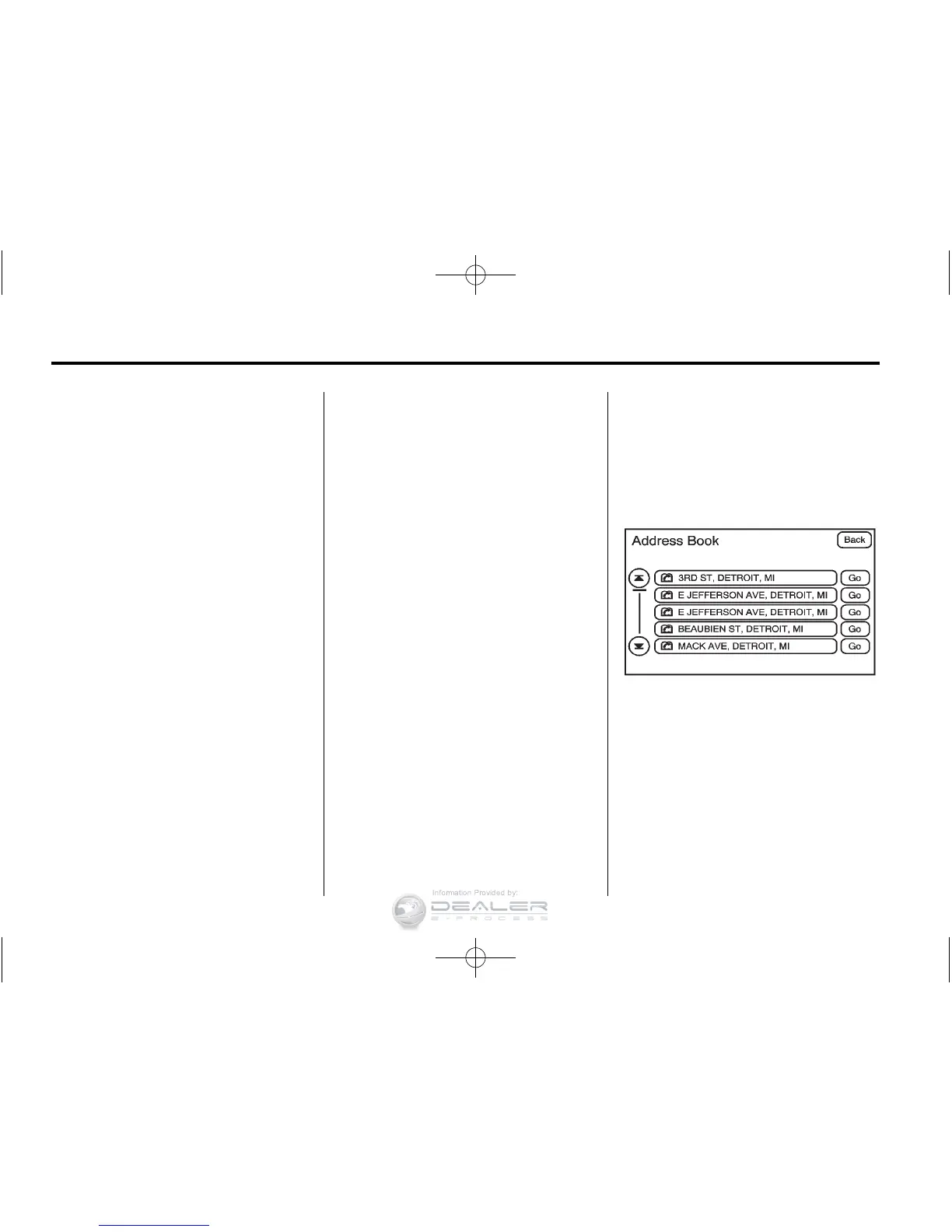
Address Book
The address book entry method lets
you select a destination by selecting
an address that has been stored in
the address book.
g Address Book: Press to
access the Address Book screen.
From this screen an address that
already exists can be selected as
the destination.













 To Next Page