7-80 Infotainment System
database and routing by
coordinates is not available, the
GO and Map buttons gray out
and routing will not be available.
Press the blue OnStar button for
further assistance.
.
The Call button grays out when
there is no phone number
available for your destination
and while connected to OnStar.
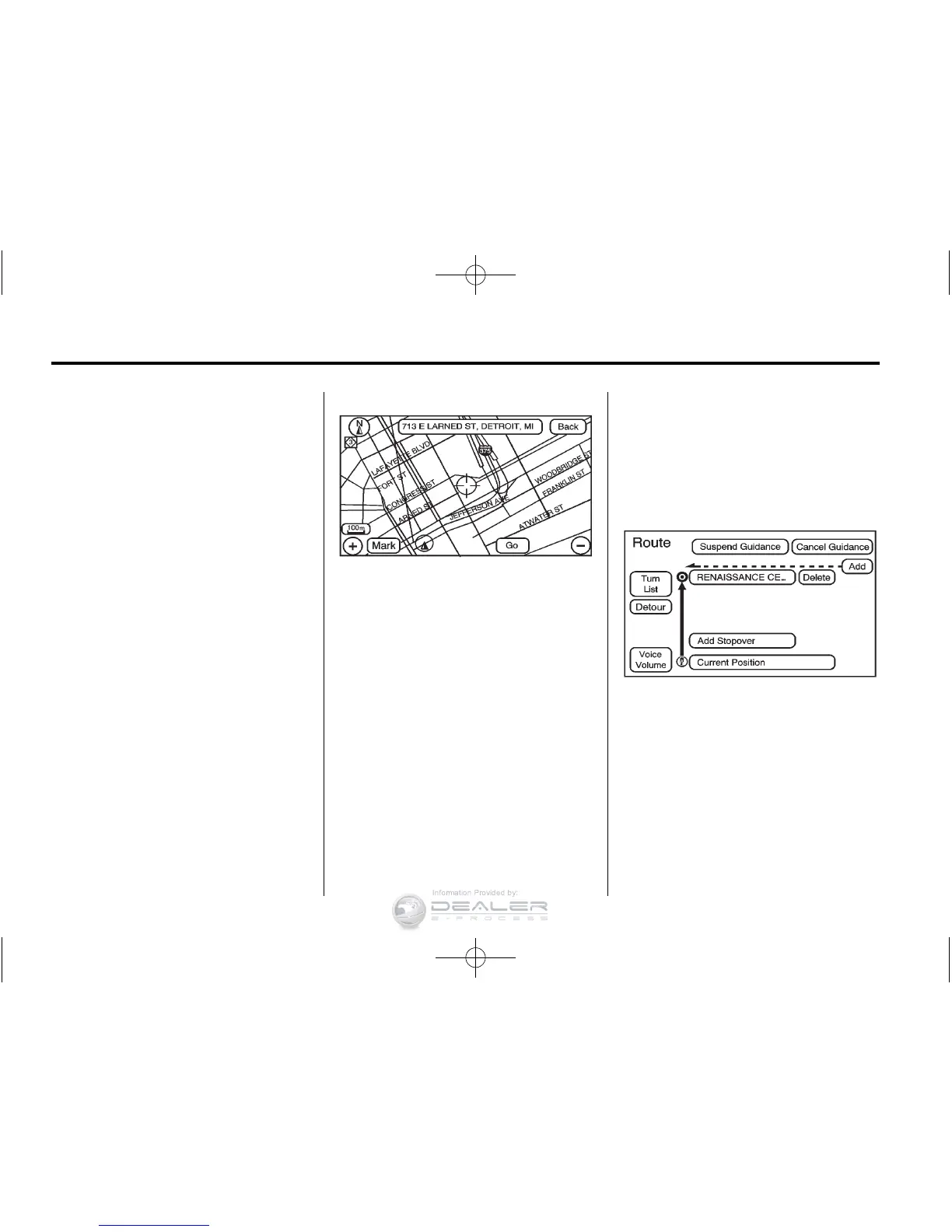
Map Destination Screen Functions
If the map screen is used to show
destination, it will have map screen
capabilities such as GO, Mark,
Zoom, Scroll, etc. The address is
shown at the top of the screen.
Destination Map Screen
Getting Started on Your Route
Once a destination has been
entered, there are several functions
that can be performed. Press DEST
to access the Route screen.













 To Next Page