CT6 Cadillac User Experience (GMNA-Localizing-U.S./Canada-11292518) -
2018 - crc - 3/1/17
REAR SEAT INFOTAINMENT 31
SXM Menu (If Equipped)
Press
{ (Home) on the remote
control, select RADIO, then
select SXM.
Press
y (Menu) to select Channel
List, Categories, Favorites, SXM View,
Wired Headphones, or other RSI
functions.
Only one tuner source may be active
at a time.
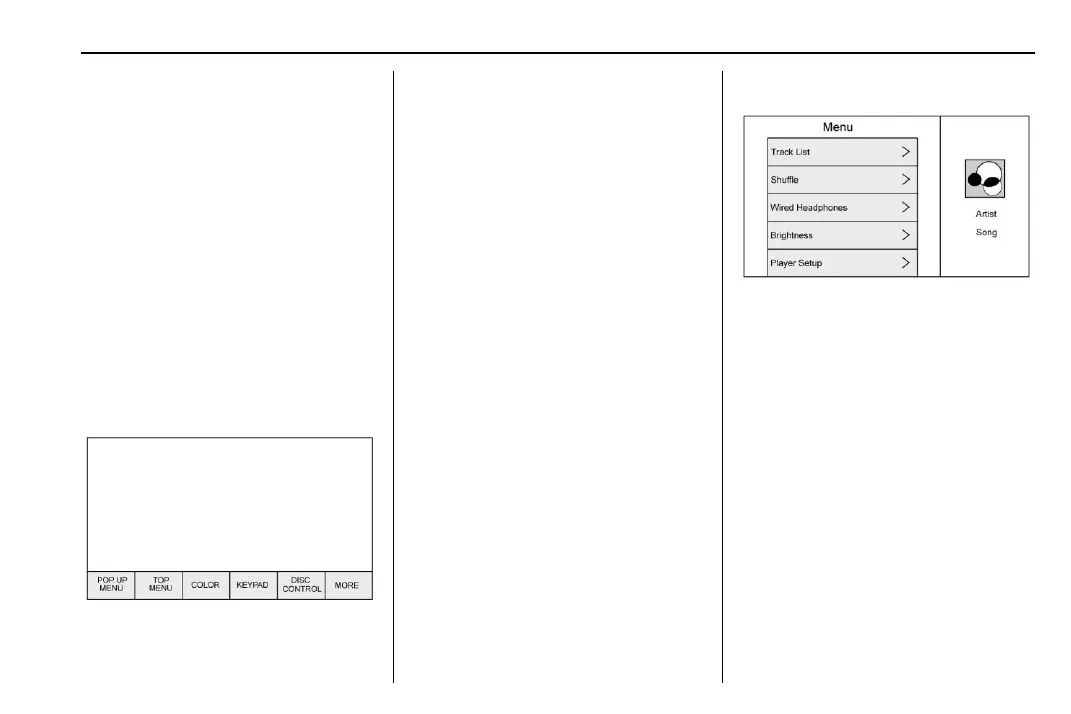
Disc Menu BD
With a Blu-ray disc in the player,
press
{ (Home) on the remote
control and then select BD.
Press y (Menu) on the remote
control once to display menus based
on the media.
.
POP UP MENU (BD Only)
.
TOP MENU
.
COLOR
.
KEYPAD
.
DISC CONTROL
.
Select from: MORE (SETTINGS,
PREVIOUS, NEXT, STILLS OFF)
To close, press
y (Menu) or wait for
the time out.
Disc Menu DVD
Press
y (Menu) on the remote
control once to select from:
.
TOP MENU
.
KEYPAD
.
STOP DISC
.
BACK
.
PHOTO
.
SETTINGS
To close, press
y (Menu), press S
(Back), or wait for the time out.
CD Menu
Press y (Menu) on the remote
control once to select from:
.
Track List
.
Shuff le
.
Disc Information (if available)
.
Wired Headphones
.
Brightness
.
Player Setup: Audio Compression,
Auto Enter (if available)
.
Title Search (if available)
.
Display Off
.
Screen Tilt
.
Remember RSE Status
.
Software Information














 To Next Page