CT6 Cadillac User Experience (GMNA-Localizing-U.S./Canada-11292518) -
2018 - crc - 3/1/17
REAR SEAT INFOTAINMENT 37
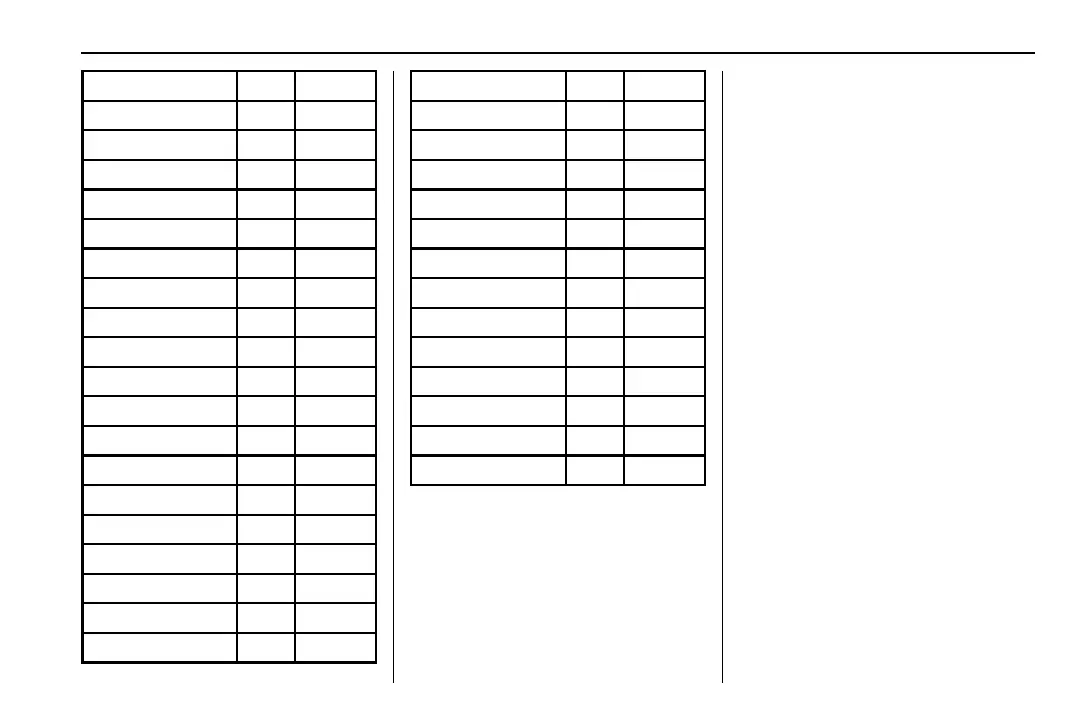
Slovak SLK 8375
Uzbek UZB 8590
Vietnamese VIE 8673
Volapuk VOL 8679
Wolof WOL 8779
Xhosa XHO 8872
Yoruba YOR 8979
Zulu ZUL 9085
Slovenian SLV 8376
Samoan SMO 8377
Shona SNA 8378
Somali SOM 8379
Albanian SQI 8381
Serbian SRP 8382
Siswaiti SSW 8383
Sesotho SOT 8384
Sundanese SUN 8385
Swedish SWE 8386
Swahili SWA 8387
Tamil TAM 8465
Telugu TEL 8469
Tajik TGK 8471
Thai THA 8472
Tigrinya TIR 8473
Turkmen TUK 8475
Tagalog TGL 8476
Setswana TSN 8478
Tonga TON 8479
Turkish TUR 8482
Tsonga TSO 8483
Tatar TAT 8484
Twi TWI 8487
Ukrainian UKR 8575
Urdu URD 8582
Wired Headphones
Select from the Settings menu, then
select the headphone audio for the
wired headphone jack based on screen
1 or screen 2 and press ENTER or the
right arrow. Press
S (Back) to exit.
The headphones are set to screen 1 by
default.
Title Search (CD-DA Only)
If available, this displays a list of titles
to select by using the up and down
arrows.
Disc Information (CD-DA Only)
If the insert ed disc is a BDMV, BDAV,
AVCHD, AVCREC, DVD-Video,
or DVD-VR, the disc title should
display. If the inserted disc is
DVD-Audio, DTS-CD, CDDA,
or Mixed-CD, the track number will
display.
Software Information
This allows access to Version
Information, Save Vehicle Info to USB,
and View Open Source.
Save Vehicle Info to USB allows the
current version to be saved to a jump
drive, which must be done before an
update can be performed.
View Open Source indicates where
software information can be found.













 To Next Page