CT6 Cadillac User Experience (GMNA-Localizing-U.S./Canada-11292518) -
2018 - crc - 3/1/17
60 NAVIGATION
Autocomplete
The autocomplete is preloaded with
all recent destinations and POI
category names. Previous POI name
searches are remembered.
If only one type of result is found, the
single type result display is shown.
Within each group, they are listed in
confidence order. This means the
highest confidence result will be at
the top.
If multiple types of matches are
found, the result list with the highest
confidence match displays.
Address and Contact matches are
shown in full width list format. The
match results will display unique
icons for full addresses, streets,
intersections, cities, states/provinces,
and countries.
POIs show in a split list format with
the map on the right displaying the
locations of the matches. The brand
icon or categor y icon will display for
the match results.
When a list displays, the results for a
particular type can be filtered by
touching the filters along the top of
the display. If there are no particular
results for a selected type, a message
is indicated in the list.
For example:
.
For no addresses: “No Addresses
Found Within <state/region>”
.
For no POIs: “No POIs Found
Within <75 km/50 mi/ 800 km/
500 mi>.” This distance is shown
depending on what radius is
completed and what current units
are selected.
.
For no contacts: “No Contacts
Found.”
The system per forms partial searches
on contacts, so typing a first name or
last name would find a match. The
entire contact name does not need to
be entered for it to be found in a
search.
Touching a contact listed on the
results list displays the standard
contact details view to touch an item,
such as an address to start routing,
or a phone number to place a call.
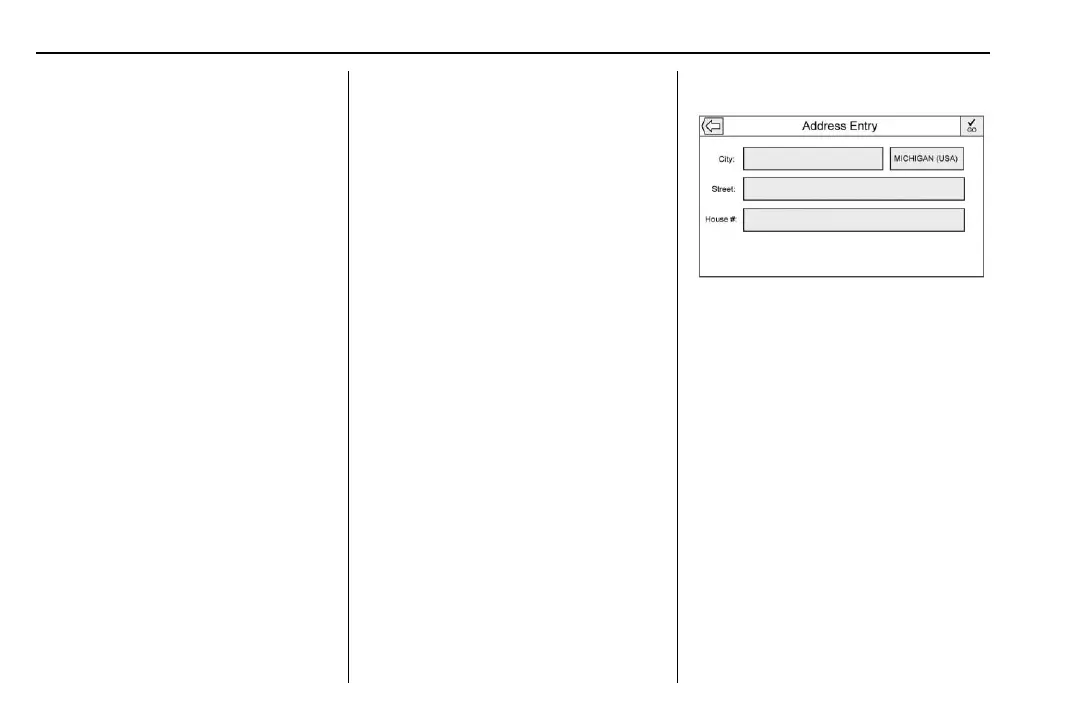
Address
.
A destination can be searched by
typing the address, intersection,
highway, or freeway entrance
ramps on the keyboard. This
information is typed and displayed
in the information field. Touch the
search icon to start the search.
For example:
City: Crawford
Street: Main Rd
House #: 12334
.
State/province information does
not have to be included in the
search field if entering an address
that is located in the same state/
province.















 To Next Page