CT6 Cadillac User Experience (GMNA-Localizing-U.S./Canada-11292518) -
2018 - crc - 3/1/17
6 INTRODUCTION
Text
Touch the Text icon to display the
Text Messaging main page. See Text
Messaging 0 89.
Weather
If equipped, touch the Weather icon
to display the Weather main page. See
“SiriusXM Travel Link” under
Destination 0 57.
OnStar
Touch the OnStar icon to display the
OnStar main page and start OnStar
voice recognition. See “OnStar
Overview ” in the owner’s manual.
Climate
Touch the Climate icon to display the
Climate main page. See “Dual
Automatic Climate Control System” in
the owner’s manual.
Rear Climate
If equipped, touch the R. Climate icon
to display the Rear Climate main page.
See “Rear Climate Control System” in
the owner’s manual.
Video
If equipped, touch the Video icon to
display the video Rear Seat
Infotainment main page. See Rear Seat
Infotainment (RSI) System 0 30.
Applications Tray
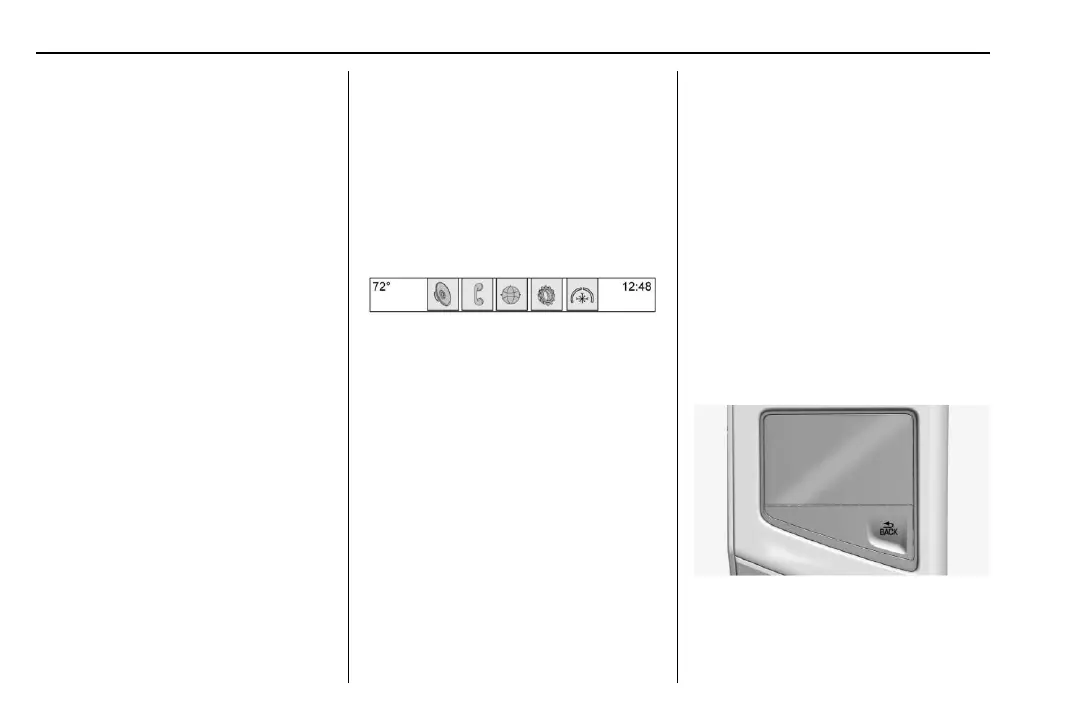
The applications tray is at the top
center of the display. It can have three
to five applications.
To add an application from the Home
Page to the applications tray:
1. Touch and hold any icon on the
Home Page to enter edit mode.
2. Drag the icon to the
applications tray.
To remove an item from the
applications tray, drag the icon
from the applications tray back
to the Home Page.
Adding or removing applications from
the applications tray will not remove
them from the Home Page.
Proximity Sensing
The infotainment system uses
proximity sensing for Maps. When
turned On, certain features will
become visible when a hand
approaches the display. When the
hand is removed, these features fade.
Proximity sensing can be turned off in
the Settings applications in the
Display menu options.
Touchpad
The touchpad is integrated into the
center console of the vehicle, in front
of the armrest. It provides an
alternative way to select features on














 To Next Page