9
CADILLAC CUE MENUS
See your Cadillac CUE Infotainment System Manual.
Refer to your Owner Manual for important safety information about using the infotainment system while driving.
Cadillac CUE uses a Bluetooth or USB connection to link to a compatible device, such as a smartphone, cell phone, USB ash drive or
portable audio player/iPod
®
. It offers a variety of entertainment options, including streaming audio from the Internet through a smartphone,
and features enhanced hands-free voice control. For assistance, call 1-855-4-CUE-NOW (1-855-428-3669) or visit www.cadillac.com/cue.
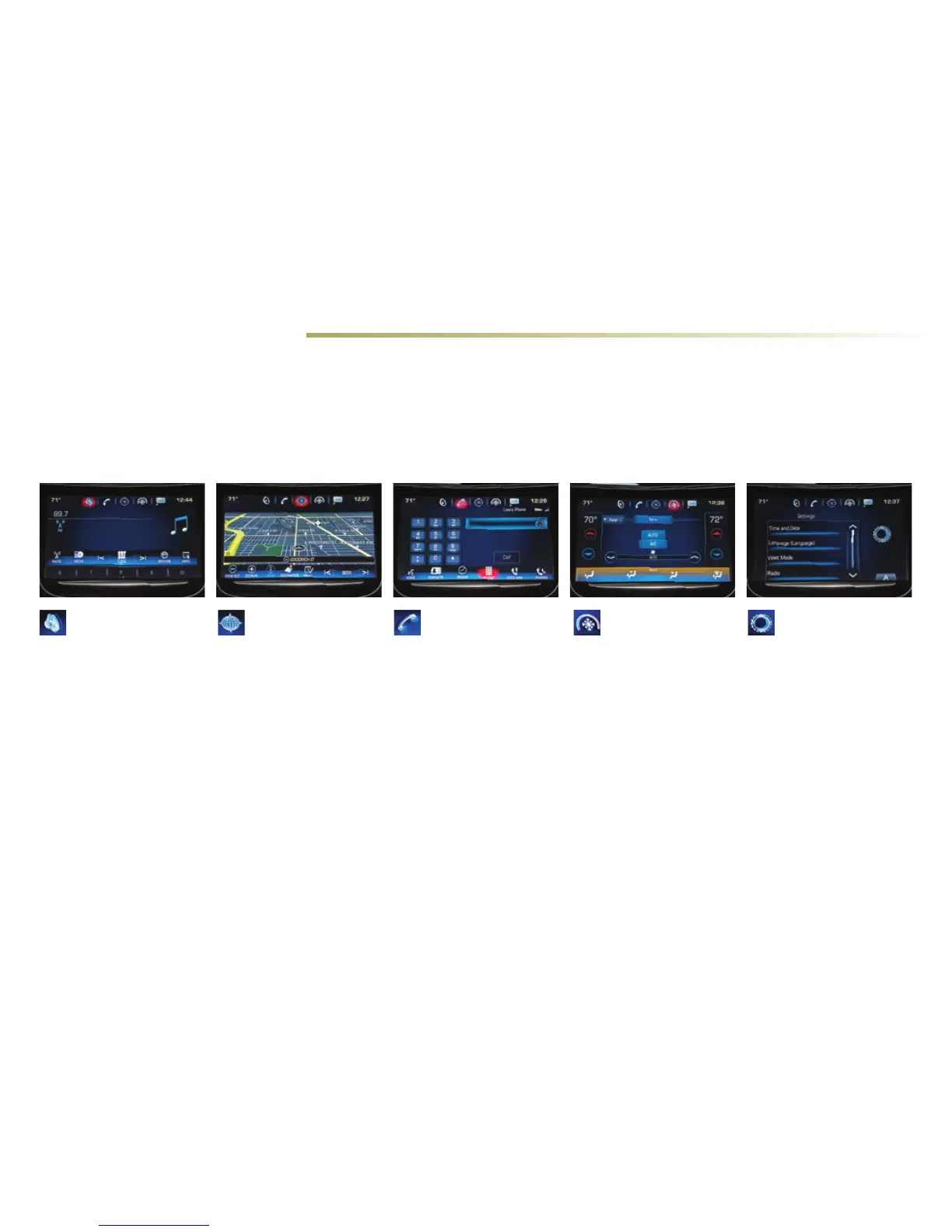
You can use simple gestures on the Cadillac CUE touch screen just as you would on a smartphone, such as tap, drag, pinch and spread, to
interact with the Cadillac CUE system. Touch an application icon on the touch screen to access the following items.
Audio
• Radio Band
• Media
• Seek Up/Down
• Tune
• Browse
• Menu
Settings
• Time and Date
• Language
• Valet Mode
• Radio
• Vehicle
• Bluetooth
• Phone Integration
• Voice
• Display
• Rear Camera
• Return to Factory
Settings
Climate
• Driver/Vehicle and
Passenger Set
Temperature
• Sync Temperature
Settings
• AC Mode
• Auto Climate On/Off
• Air Distribution
Settings
• Front Settings/Rear
Settings
• Fan Speed
Phone
• Voice Recognition
• Contacts
• Recent
• Keypad
• Voice Mail
• Phones
Navigation
• Zoom Out
• Zoom In
• Reset
• Destination
• Map Menu
• Seek Up/Down












 To Next Page