8
Interacting with the CUE System
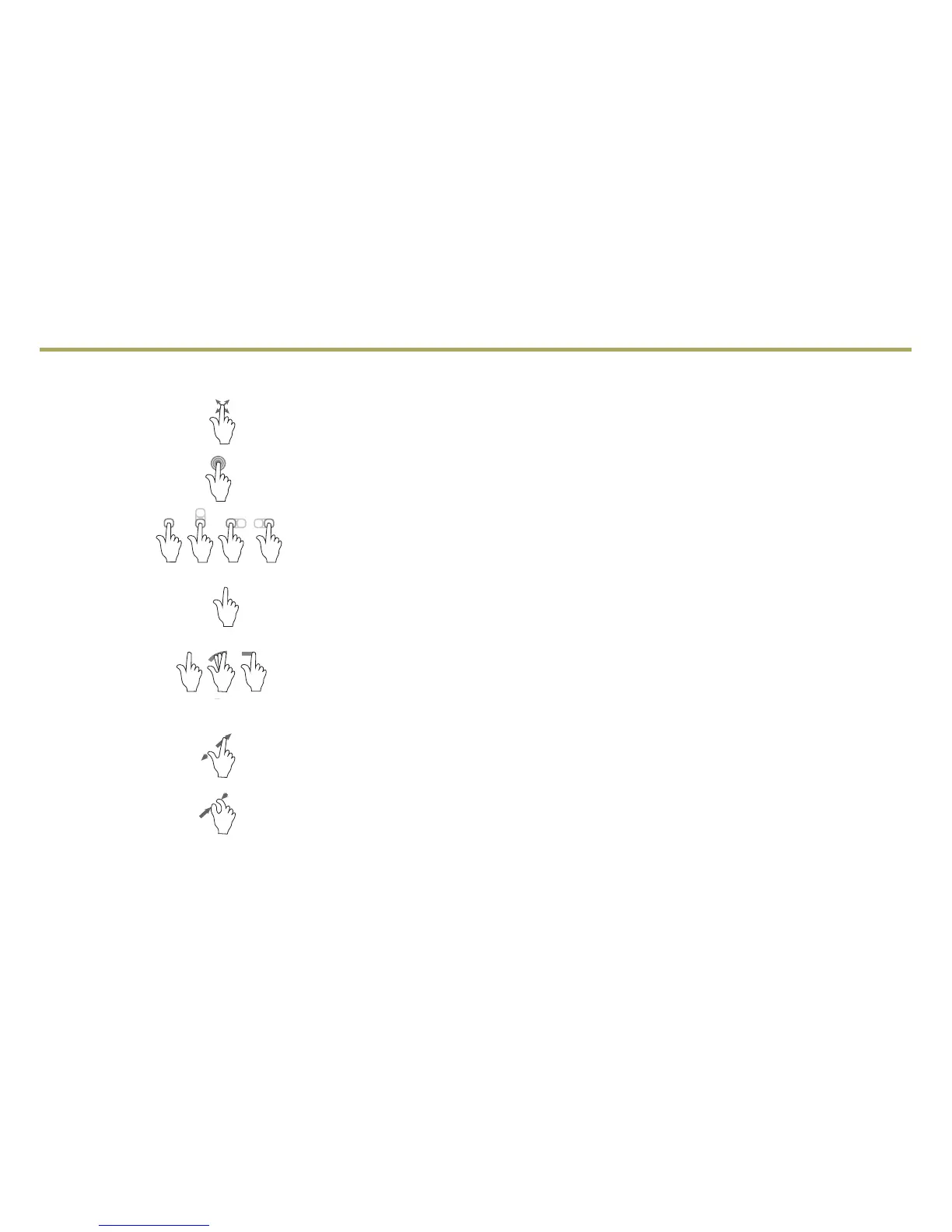
To make interactions simple and safe, use the following gestures on the CUE touch screen just as you would on a smartphone.
Press Press an item on the screen to select an option or activate an application.
Press and Hold Press and hold an item to start another gesture, move, or delete an application.
Drag Touch an item on the screen and drag your nger along the screen while holding down on
the item. This can be done to move applications on the Home page.
Nudge Press the desired item and move your nger in an up/down or side-to-side motion without
releasing your nger. When your nger is removed, the item stops moving.
Fling or Swipe Press anywhere within a list or page and move your nger rapidly in an up/down or
side-to-side motion, releasing from the screen while your nger is still moving,
to scroll through a list or change page views.
Spread Place two ngers on the screen and spread them apart to zoom in.
Pinch Place two ngers on the screen and bring them together in a pinching motion to zoom out.
See your CUE System Owner Manual.
Note: A microber cloth is included in your glove box to help clean and maintain the CUE touch screen. Never use window cleaners or solvents to
clean the CUE touch screen.



 To Next Page
 Loading...









