EasyManua.ls Logo

Cambridge Audio Azur 752BD - User Manual

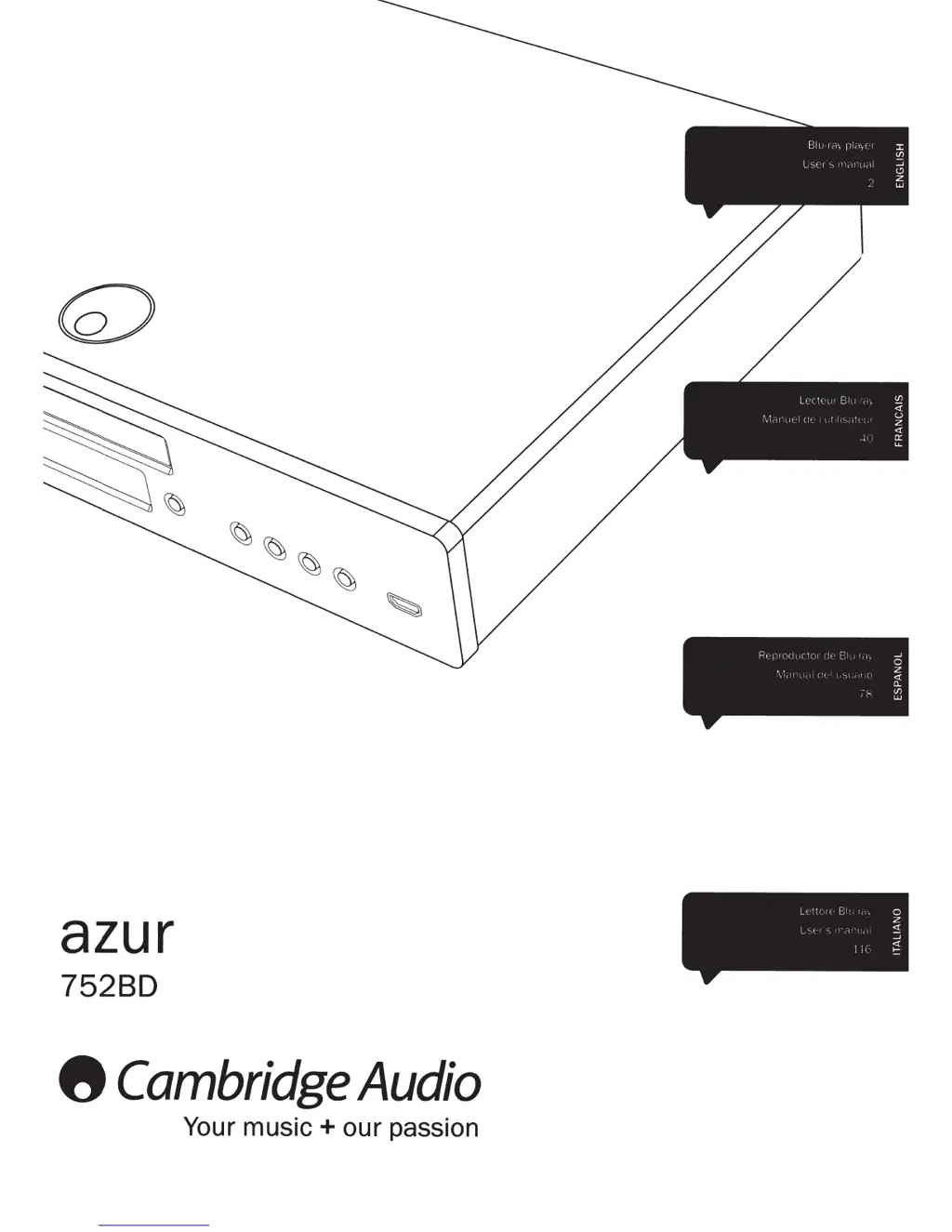
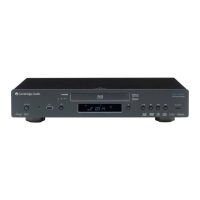
Cambridge Audio Azur 752BD
45 pages
Print Icon
To Next Page IconTo Next Page
Loading...
azur
75280
8
Cambridge
Audio
Your
music+
our
passion
R(
,I
(•fl
(
'(1'
~
Cl
'
I,
0
\'
I
(
f '-,
I
(
~
0..
-"
(/)
"'
l
I
'I(
'
F
I
0
z
L'>t
~
1
~
...J
].!
~

Other manuals for Cambridge Audio Azur 752BD

Questions and Answers

  • S
    Shelia PetersonAug 15, 2025
    Why do files on my USB device not play on Cambridge Audio Azur 752BD Blu-ray Player?
    • L
      lduncanAug 15, 2025
      The USB drive may be incompatible, or the player encounters errors while reading it. Verify that the USB drive is compatible, and try unplugging and re-inserting it. If an incompatible USB device causes the 752BD to stop responding, turn off the power, remove the USB device, and turn the player back on. Check the supported file types. The drive may also require too much power from the USB socket.
  • C
    cindyjohnsonAug 18, 2025
    Why is my Cambridge Audio Blu-ray Player remote control not working?
    • S
      sharon14Aug 18, 2025
      If the remote control isn't working, the batteries may be flat, so check them first. Also, make sure you're not too far from the unit or out of the remote's effective range.
  • C
    codyloganAug 21, 2025
    What to do if there is no power on my Cambridge Audio Azur 752BD Blu-ray Player?
    • C
      Christopher RichardsonAug 21, 2025
      First, ensure the AC power cord is securely connected. Then, make sure the plug is fully inserted into the wall socket and switched on. Finally, check the fuse in the mains plug or adapter.
  • J
    Jerry HernandezAug 25, 2025
    Why do I have problems using HDMI with my Cambridge Audio Blu-ray Player?
    • M
      Monica BatesAug 25, 2025
      Ensure that your screen supports HDCP (High-Definition Copy Protection) and is capable of displaying the resolution being output by the Blu-ray player. Also, cables which run over 5m may cause sync or grounding issues.
  • P
    Philip DyerAug 27, 2025
    Why is there no sound from my Cambridge Audio Azur 752BD Blu-ray Player?
    • J
      Joyce SimsAug 27, 2025
      Ensure that the amplifier is set correctly and the interconnects are inserted correctly. Also, check if the output has been set incorrectly to Bitstream or LPCM.
  • M
    Marcia MolinaAug 30, 2025
    What to do if Cambridge Audio Blu-ray Player will not read the disc?
    • S
      stevensbrandonAug 30, 2025
      First, check if the disc type is supported by the unit, including its region and type. Then, ensure the disc is not loaded upside down and is not too scratched or dirty.
  • R
    Ryan MoralesSep 2, 2025
    What to do if the disc is skipping on my Cambridge Audio Blu-ray Player?
    • C
      Christopher HowardSep 2, 2025
      Check that the disc is not too scratched or dirty. Also, ensure that the 752BD is on a firm surface and not subject to vibrations.
  • S
    Susan GuzmanSep 5, 2025
    Why is there no sound from the rear speakers of my Cambridge Audio Azur 752BD Blu-ray Player?
    • H
      howardkevinSep 5, 2025
      The source being played might not be recorded in surround-sound, or the unit has been put to stereo or other down-mix mode.
  • M
    Michael CollinsSep 8, 2025
    Why is there no sound from the center speaker on my Cambridge Audio Azur 752BD?
    • A
      Andrew FarrellSep 8, 2025
      A stereo mode may have been selected.
  • A
    amy90Sep 12, 2025
    Why can I hear a low hum or buzz sound from my Cambridge Audio Blu-ray Player?
    • A
      andersonrichardSep 12, 2025
      This could be due to power cords or lighting placed near the product, or analogue inputs not connected securely.

Cambridge Audio Azur 752BD Specifications

General IconGeneral
Blu-ray 3DYes
Disc CompatibilityBD, DVD, CD, DVD-Audio, SACD
Video OutputsHDMI, Component, Composite
Audio OutputsHDMI, Analog Stereo, Coaxial, Optical
Video DAC12-bit
Audio DAC24-bit/192kHz
UpscalingYes, up to 1080p
Supported Audio FormatsDolby TrueHD, Dolby Digital, DTS-HD Master Audio
Network ConnectivityEthernet
USB Port2 x USB 2.0 (1 front, 1 rear)
Dimensions (W x H x D)430 x 105 x 305 mm

Related product manuals