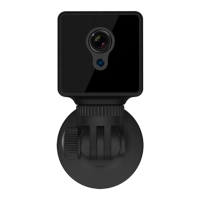
Notice:
▪ Only 2.4GHz frequency Wi-Fi is supported by this camera
▪ Wireless SSID with special characters or WEP security mode or empty Wi-Fi password is not supported by
this app
▪ Try to be close to your Wi-Fi router when setting up this camera to improve the stability and success rate
▪ In case the setup does not work and you are not sure what to do, please follow the steps in Part 10.3 –
Perform Camera Setup Reset
➢ Setup AP Connection Mode
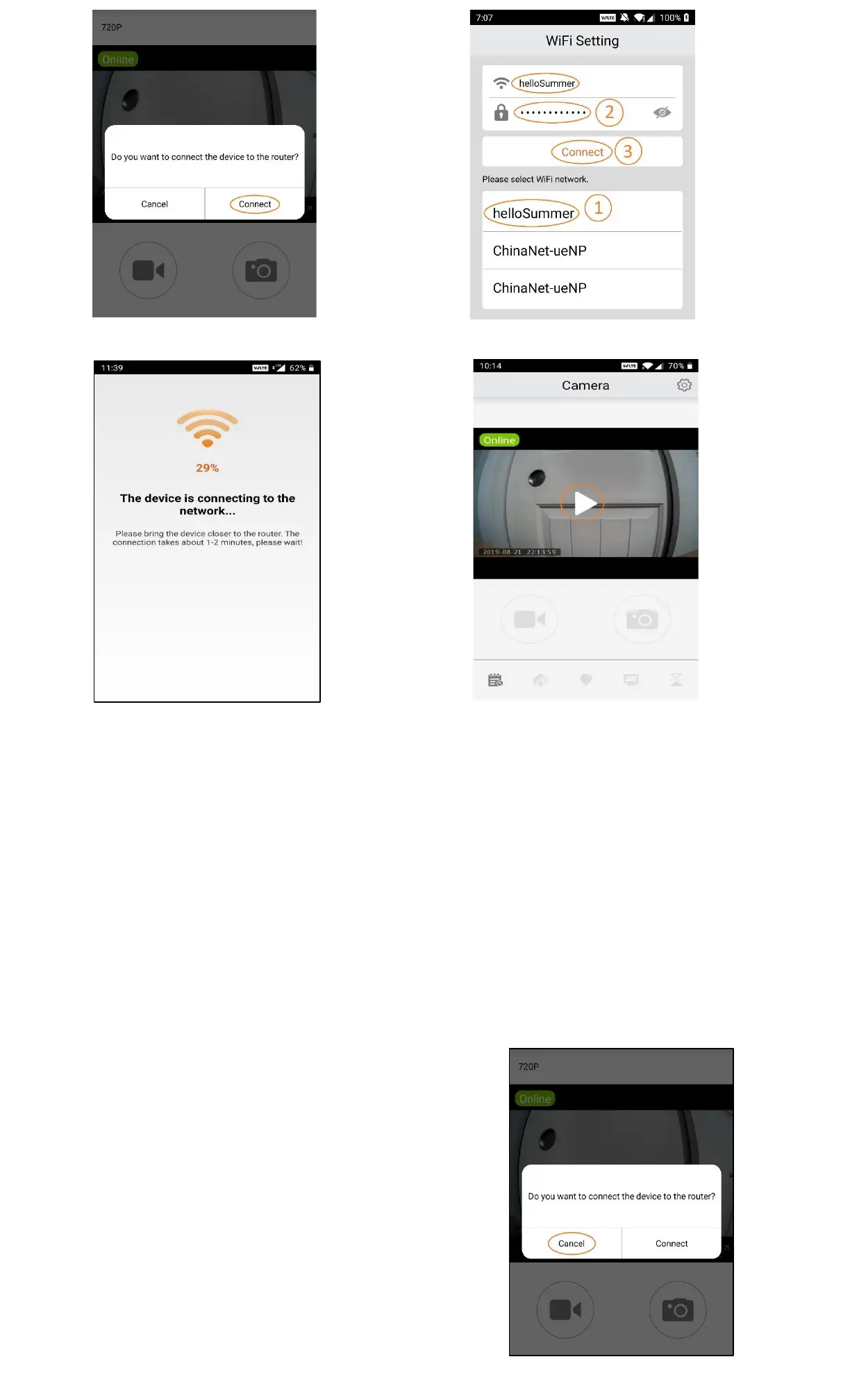
To setup the AP Connection Mode, follow the exact same steps as setting up the IP connection mode above
(P2.1 – P2.4) but when prompted for "Do you want to connect the device to the router?”, Select Cancel instead
(P2.8).
The AP Connection Mode setup is complete. The Blue
indicator on the back of the camera starts to flash slowly.
The camera starts to record videos and store them on the
micro SD card.
Remember that you can only view the camera video from a
short distance in this connection mode.


 To Next Page
 Loading...