Page 27 - Manual - FA01792-EN - 10/2022 © CAME S.p.A. - The contents of this manual may be changed at any time and without notice. - Translation of the original instructions
Video toggling
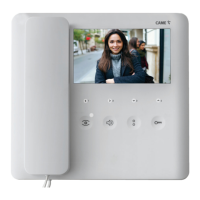
PLX V WIFI
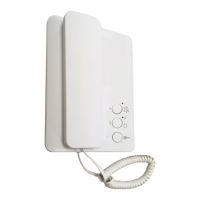
PLX V
PLX V
Where there are calls on more than one device, all devices will ring, but the video will only be
activated on the Wi-Fi PLX V, which is always confi gured as the MASTER.
Press the button on the secondary PLX V video receiver (SLAVE) you would like to transfer
the video to.
To answer the call from the secondary PLX V video receiver, press
.
Communication between internal receivers (INTERCOM function)
INT. 1
INT. 2
To start communicating with another internal receiver (INTERCOM), press the button associated
with the internal receiver you want to call ( , or )
Press the button on the video receiver receiving the call to answer.
If the line is busy, you will hear three consecutive beeps.
During a conversation between internal receivers, the devices beep every 5 seconds
to signal a call from the outside.
Calls between internal receivers cannot be managed via the app.



 To Next Page
 Loading...