Android Auto Adapter Manual
Product Specifications:
Power: 300mA
Resolution: Adaptive
Bluetooth: 5.2
Size: 60*60*13mm
Package Dimension: 145*125*25mm
Function:
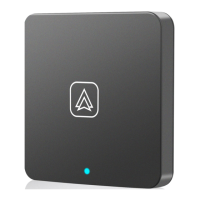
Convert the original wired Android Auto to wireless Android Auto
Device name:
smartBox-####
Customer Service Contact:
yanningqiu2021@163.com
Android Auto Connection:
1. Insert the product into the USB port of the original car, then the adapter will light.
2. Please use the Android phone to connect the device Bluetooth name.
*If "C to C Cable" does not work, please use a Type C OTG adapter, please contact us.
Important Note:
1. Need to install Android Auto app on your phone.
2. With some head units, please pair the phone to both this adapter (for AA) and to the head unit
for BT phone audio
3. For Samsung phone: please try to connect wired first and go into settings as AA isn't an app
anymore and baked into OS on your Samsung phone. Then you turn wireless on in AA menu,
disconnect, and should find the device and connect by BT.
Connection Video link for your reference:
https://v.youku.com/v_show/id_XNjM3MjE4NTk2MA==.html


 To Next Page

 General