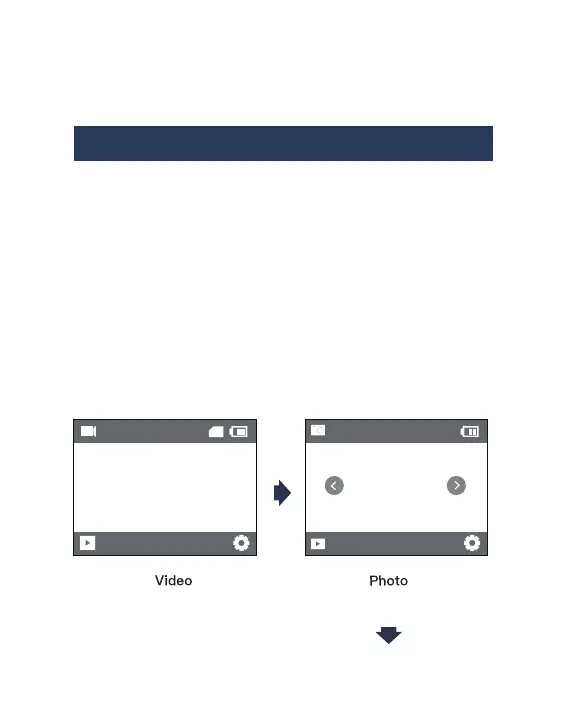
Under each mode.
Mode Operation Instructions
There are 4 mode options:Video Mode(Normal Video/Slowly Video/
Loop Video/Lapse Video),Photo Mode(Normal Photo/Auto Photo/
Burst Photo/Timer Photo), Playback Mode and Setting Mode.Short
press the Power/Mode Button to switch among the different
recording and shooting modes.
Press the Menu Button to enter the navigation menu, then press the
menu button again to switch the mode what you want, and press the
OK Button to confirm the selection.
6038
20MP
00:00:00/03:24:25
Slowly
1080P4X
TF
Switch the screen
Press and hold on the "Menu" button to switch the screen.
Photo
9



 To Next Page