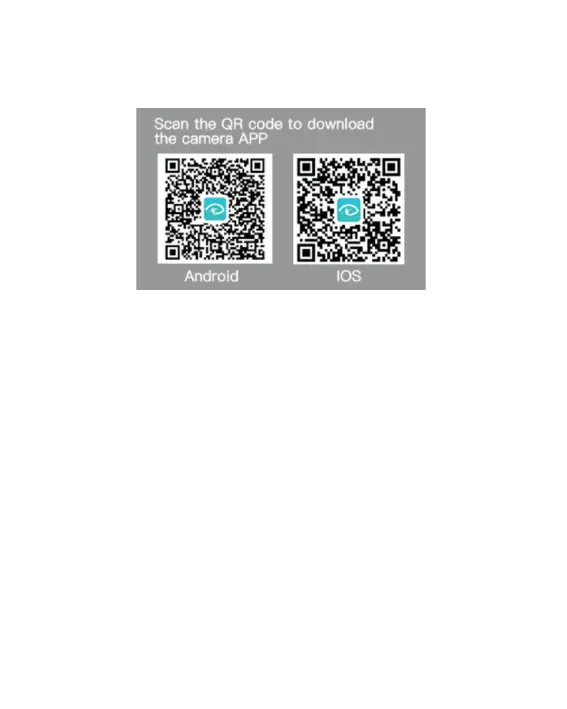
App available on:
Computer Connecting
There are two options when you use the included micro-USB
cable to connect to a computer: MSDC and Charging mode.
Press menu button to switch between these two modes and
press Shutter/OK Button to enter.
Access to the files which stored in camera's micro SD card MSDC:
to copy or view them on a computer. This function can also
achieved by a micro SD card reader.
19



 To Next Page