SEMI AUTOMATIC COOKING
This cooking program is intented to start cooking immediately for a specied duration.
After the oven is set to the desired function and temperature via the oven knobs:
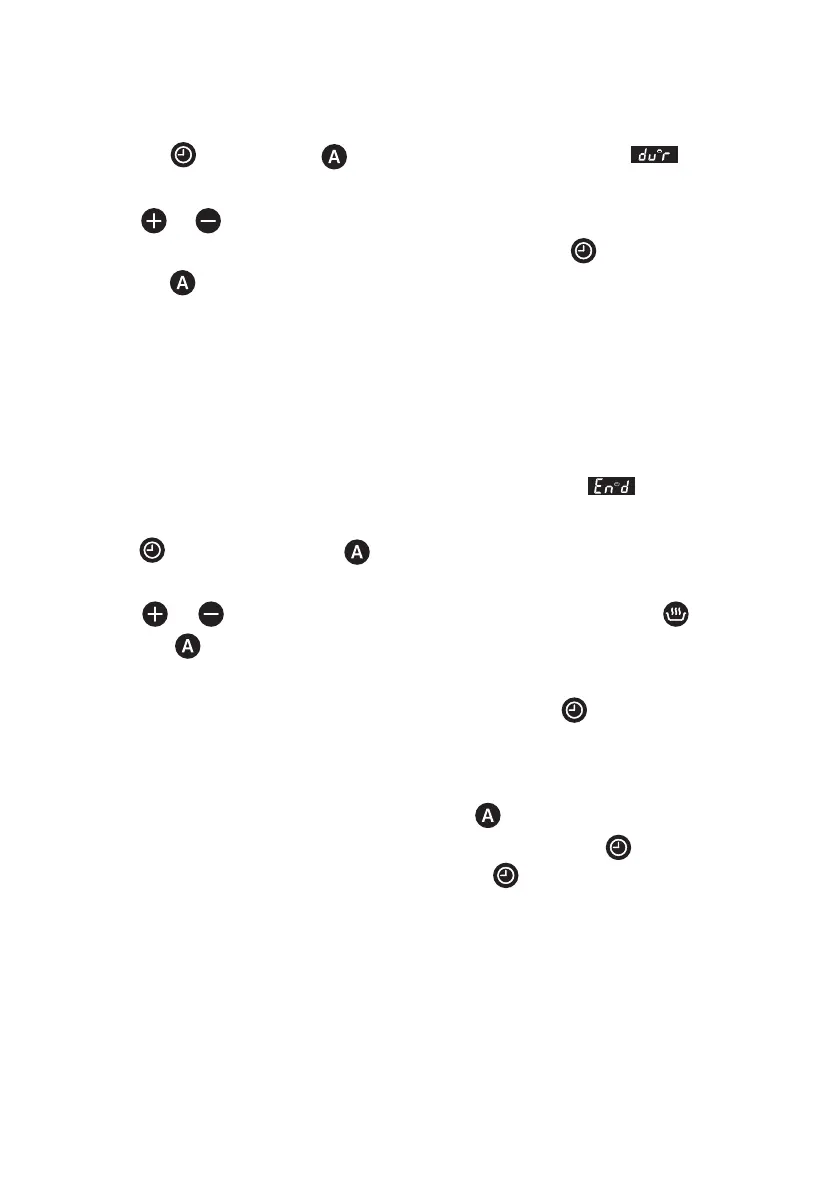
1. Press the
button twice, symbol will ash on the screen. and duration
of cooking will show on the screen one after another.
2. Using or buttons, adjust the desired cooking duration.
3. After 6 seconds of the last button press or by pressing twice, the adjustment
is completed. will be steady on the screen and the display shows the current time
of day.
FULL AUTOMATIC COOKING
This cooking program is intented to perform a delayed cooking by programming the
time of day, when the food should be ready. In other words, the oven will start cooking
not immediately but will automatically calculate the time to start cooking.
1. Perform step 1 and 2 of the semi auto cooking as above
(cooking duration
adjustment).
2. Press button once again, symbol will ash on the screen and duration of
cooking will show on the screen one after another.
3. Using or buttons, adjust the desired end of cooking time. symbol will
disappear but symbol will be still ashing on the screen. This indicates that an
automatic cooking is programmed but cooking has not started yet.
4. After 6 seconds of the last button press or by pressing , the adjustment will be
completed, the display shows the current time of day.
END OF AUTO COOKİNG
When the cooking is nished automatically, the
icon starts to ash. Alarm may be
turned off by pressing any key. To disable the key lock, press the key for 2 seconds.
Oven is taken to the manual mode by pressing the key. Audible alarm shall sound
for 7 minutes if you do not press any key.
3



 To Next Page