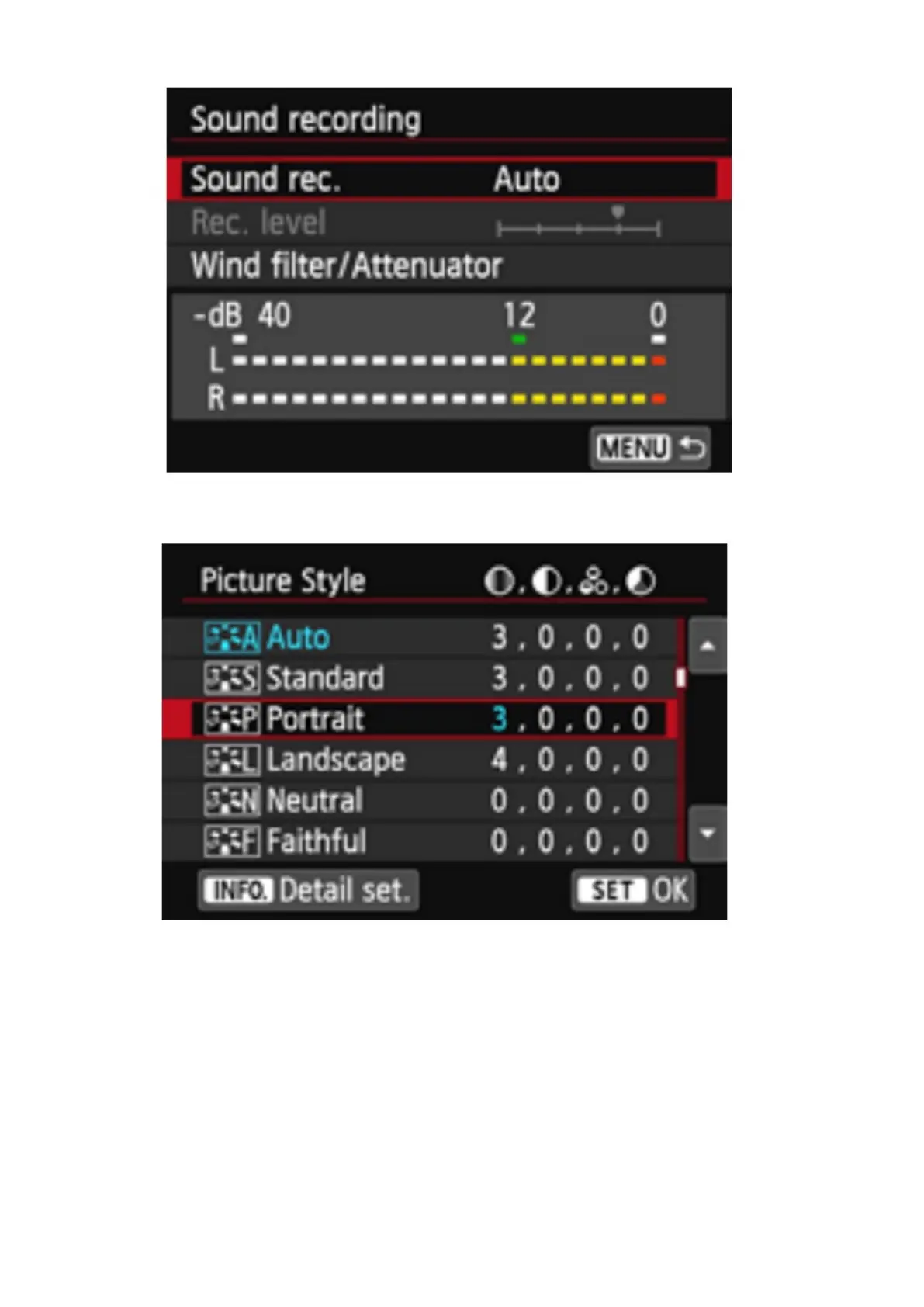
Set Picture Style to Neutral or Standard.12.
Focusing
Select AF method: Tracking, Multi Zone or Single Zone. Leave
Continuous AutoFocus enabled by default.
Full Manual. Switch lens to Manual Focus. Turn the Focus1.
Ring on the lens to focus. Press the magnifier plus
button to enlarge the image for precise focusing.













 To Next Page