~
Image Stabilizer
~,
You
can use the image stabilizer
in
AF or
MF
mode.
This function provides optimal image stabilization
depending
on
shooting conditions (such as
shooting still subjects and following shots).
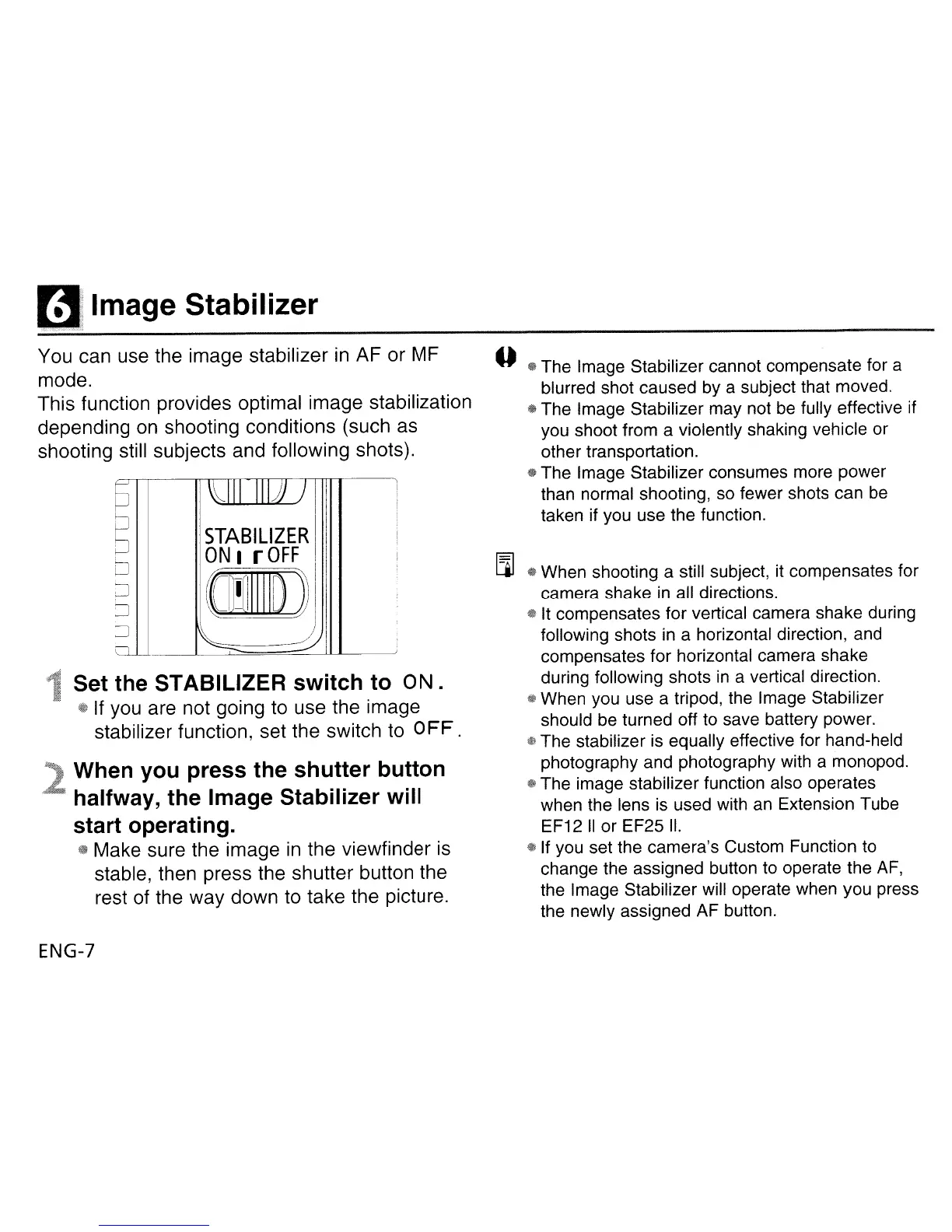
STABILIZER
ON
I r
OFF
(lID
...
~:
111
Set the STABILIZER
switch
to
ON.
1$
If
you
are not going to use the image
stabilizer function, set the switch
to
0
FF
.
When
you
press
the
shutter
button
. halfway,
the
Image Stabilizer
will
start
operating.
fa
Make sure the image
in
the viewfinder
is
stable, then press the shutter button the
rest of the way down to take the picture.
ENG-7
--
-%
The Image Stabilizer cannot compensate for a
blurred shot caused by a subject that moved.
® The Image Stabilizer may not be
fUlly
effective if
you shoot from a violently shaking vehicle or
other transportation.
$ The Image Stabilizer consumes more power
than normal shooting, so fewer shots can
be
taken if you use the function.
[l]
@ When shooting a still subject, it compensates for
camera shake
in
all directions.
$It
compensates for vertical camera shake during
following shots
in
a horizontal direction, and
compensates for horizontal camera shake
during following shots
in
a vertical direction.
*'
When you use a tripod, the Image Stabilizer
should be turned off to save battery power.
@ The stabilizer is equally effective for hand-held
photography and photography with a monopod.
® The image stabilizer function also operates
when the lens is used with an Extension Tube
EF12
II
or EF25
II.
@ If you set the camera's Custom Function to
change the assigned button to operate the
AF,
the Image Stabilizer will operate when you press
the newly assigned AF button.












 To Next Page