EasyManua.ls Logo

Canon ELPH 2 - Page 9

Canon ELPH 2
53 pages
Print Icon
To Next Page IconTo Next Page
To Previous Page IconTo Previous Page
Loading...
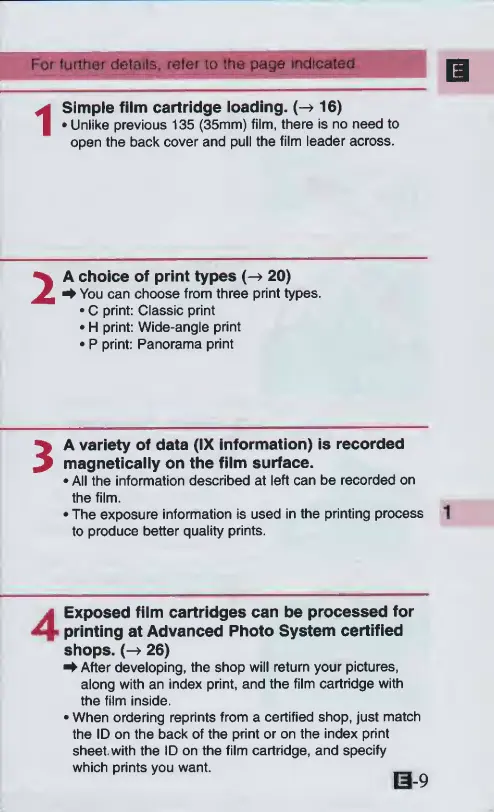
For
further
details,
refer
to
the
page
indicated
1
Simple
film
cartridge
loading.
(-^
16)
Unlike
previous
135
(35mm)
film,
there
is
no
need
to
open
the
back
cover
and
pull
the
film
leader
across.
2
A
choice
of
print
types
20)
^
You
can
choose
from
three
print
types.
C
print:
Classic
print
H
print:
Wide-angle
print
P
print:
Panorama
print
3
A
variety
of
data
(IX
information)
is
recorded
magnetically
on
the
film
surface.
All
the
information
described
at
left
can
be
recorded
on
the
film.
The
exposure
information
is
used
in
the
printing
process
to
produce
better
quality
prints.
1
Exposed
film
cartridges
can
be
processed
for
printing
at
Advanced
Photo
System
certified
shops.
(->
26)
^
After
developing,
the
shop
will
return
your
pictures,
along
with
an
index
print,
and
the
film
cartridge
with
the
film
inside.
When
ordering
reprints
from
a
certified
shop,
just
match
the
ID
on
the
back
of
the
print
or
on
the
index
print
sheet,
with
the
ID
on
the
film
cartridge,
and
specify
which
prints
you
want.
09

Other manuals for Canon ELPH 2

Related product manuals