Depth-of-field Preview
80
Depth-of-field Preview
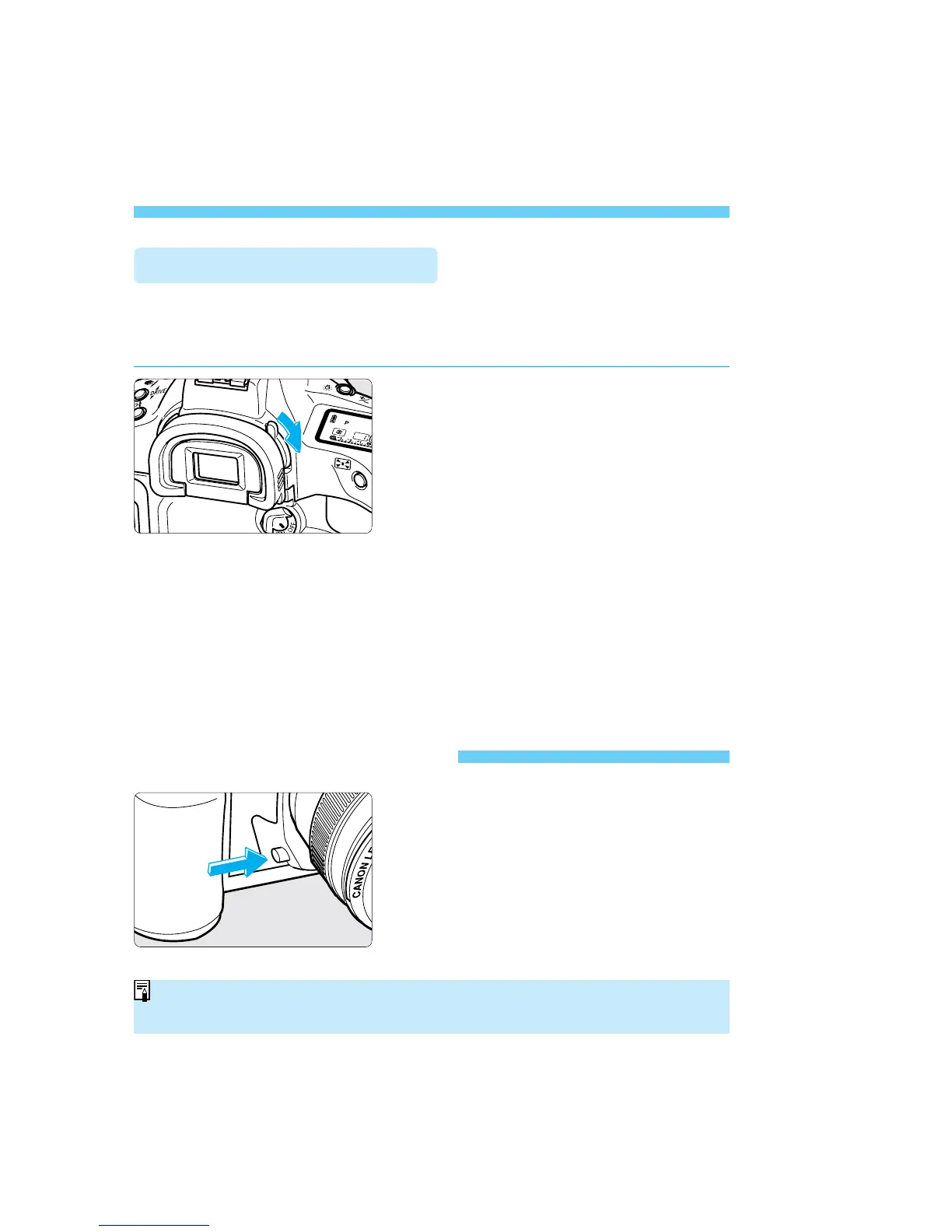
Using the Eyepiece Shutter
If you take a picture without looking through the viewfinder, stray light may
enter the eyepiece and affect the exposure. To prevent this, use the built-in
eyepiece shutter before taking the picture.
To cover the eyepiece with the
eyepiece shutter, turn the lever as
shown by the arrow.
To open the eyepiece shutter, turn the
lever in the opposite direction.
The depth of field is the range of
acceptable focus in front of and behind
the point of focus. The depth of field
changes depending on the aperture.
Press the depth-of-field preview button
to stop down the aperture and preview
this range of acceptable focus.
• Pressing the depth-of-field preview button also sets AE lock.
• The depth-of-field preview button does not function during AF operation.
SEC.05 P055-082 (E) 28-01-2003 16:14 Pagina 80



 To Next Page
 Loading...









