INTERNET-READY TO MAXIMIZE THE POWER OF THE WEB
Eliminate all barriers to efficient Web-based information sharing.
The Web-based Distributed Authoring and Versioning (WebDAV)
protocol helps facilitate employee collaboration. Team members
can communicate from remote locations by scanning and secure-
ly sending documents from a Canon imageRUNNER 3045/3035
system to a shared storage service over the Internet.*
Access to global information is at your fingertips with Canon’s
Web Access Software option.** This option transforms the
imageRUNNER 3045/3035 devices into information retrieval
kiosks within your environment. Browse the Web or corporate
intranet sites directly at the device’s full-color touch-panel
display, and then view and print pages right at the device
with the desired settings.
EXTEND DOCUMENT DISTRIBUTION TO THE DESKTOP
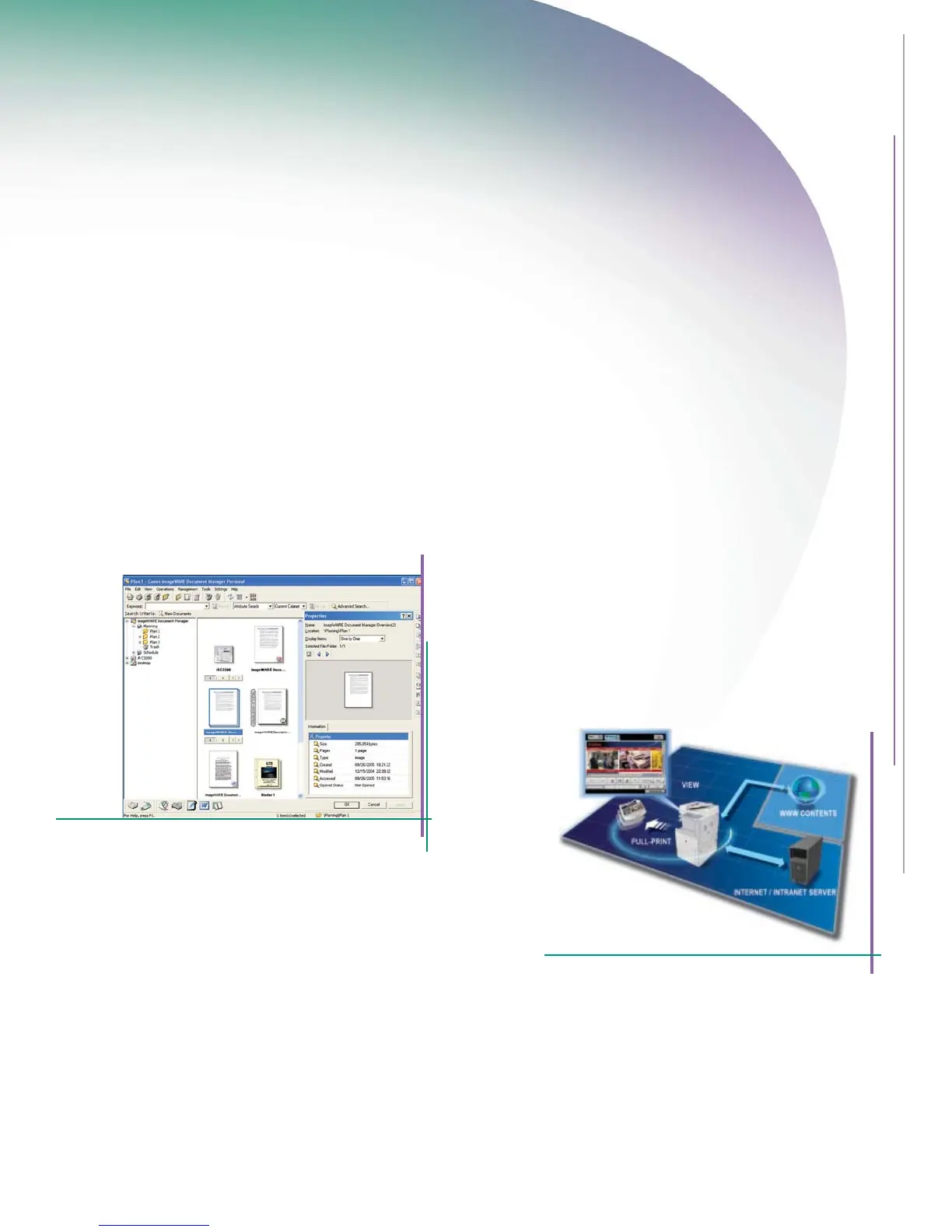
The imageRUNNER 3045/3035 systems, coupled with Canon’s
imageWARE™ Document Manager Personal software, provide
powerful tools to organize and manage files through remote
workstations. Every PC serves as a virtual extension of the docu-
ment management system with the ability to archive, edit, retrieve,
and manipulate documents stored in the devices’ Mail Box feature
right from the desktop. Users can build complex documents in a
simple drag-and-drop workflow for easy use, and then distribute
scanned files to any destination.
imageWARE Document Manager Personal
Web
Access Software
*Requires Universal Send Kit-G1.
**Requires the imageRUNNER 256 Expansion RAM to display Web flash content. Requires
the UFR II/PCL Printer Kit-S1 for printing functions. Add the PS Printer Kit-S1 if printing
PDF files.















 To Next Page