1-3
Setting the wireless LAN
Proceed to “Step4-A Setting the Machine Using the
WPS (Push Button Mode),” on p.1-4.
Proceed to “Step4-B Setting the Access
Point Manually and Connecting,” on
p.1-6.
No
YES
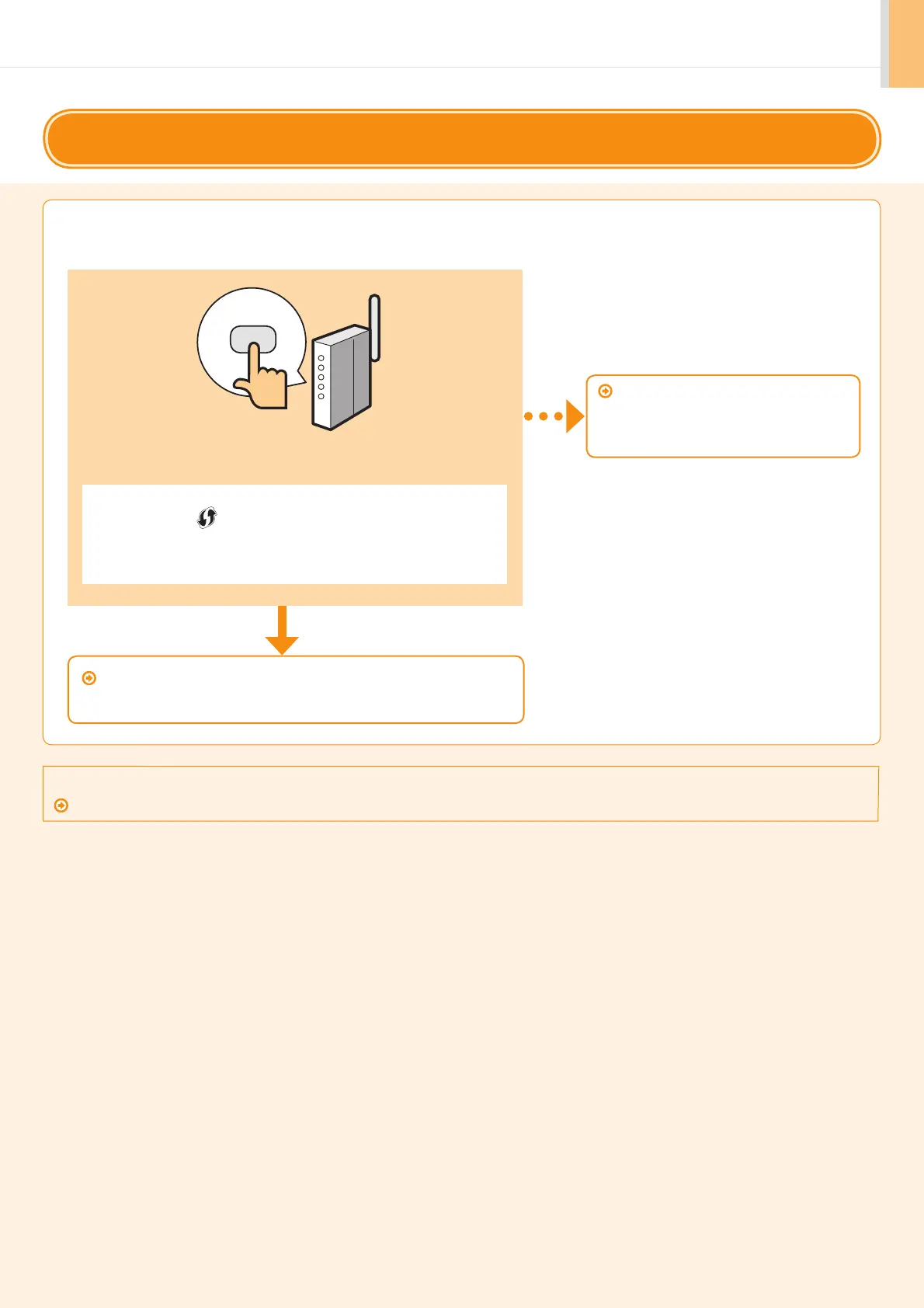
Is there a WPS button?
• For checking whether it supports the WPS, find the descriptions such as “...
supports WPS...” or shown on the wireless LAN router/access point or its
package.
• For further information, contact the manufacturer of the wireless LAN router/
access point.
Step3
Selecting a Method for Setting the Wireless LAN
Two methods are provided for connecting to the wireless LAN or access point, connecting using WPS (Wi-Fi Protected
Setup) function or connecting manually.
Refer to the following for “WPS PIN Code Mode” or manual setting such as security:
Proceed to e-manual’s “Network Settings” ”Basic Network Settings” “Connecting to Wireless LAN”










 To Next Page