29
Appendix
Clearing Paper Jams
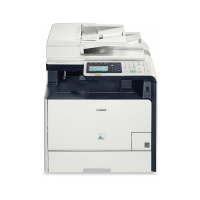
If the following screen appears, a paper jam has occurred in the feeder or inside
the machine. Follow the procedure displayed on the screen to remove the jammed
document or paper. This manual indicates only areas where paper jams occur. For
details on the procedures, see the e-Manual.
Manual feed slot
Paper drawer
(of the main unit)
Optional paper
drawer
Back side
Back side
Feeder Output area
ManualsPrinter.com Manuals





 To Next Page