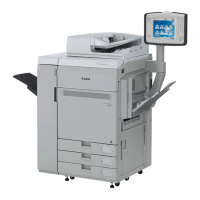
4 imagePRESS C700 & imagePRESS Server G100 January 2017 Update Guide
Unregister all Custom Media from Auto Adjust Gradation and
Auto Correct Color Tone.
Note: This process is done at the C700
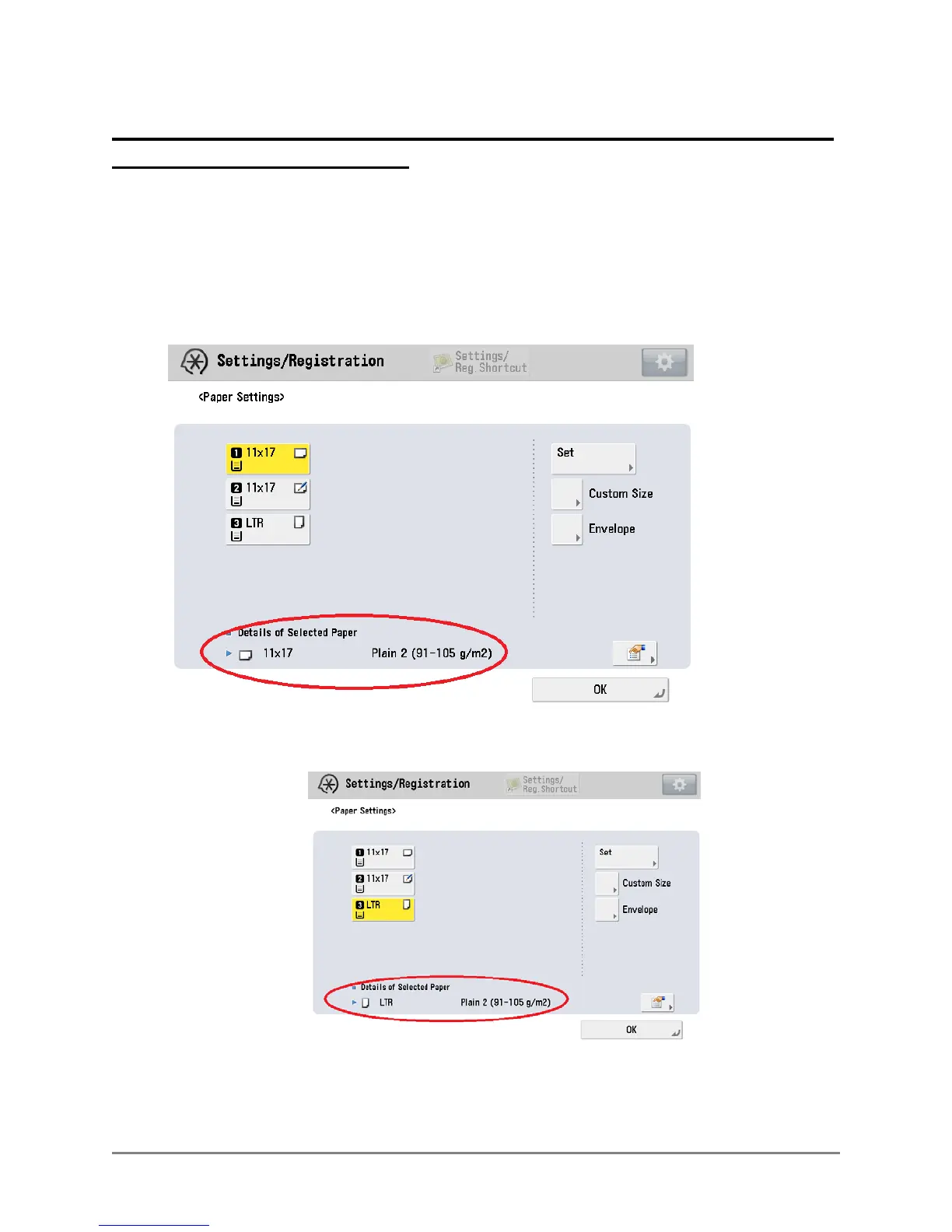
1. Assign Plain Media to the Drawers
Select Settings/Registration Login as System Manager
Select Preferences Paper Settings Paper Settings
Register 11 x 17 Plain 2 to any Drawer from the standard Media list
Register 8 ½ x 11 Plain 2 to any other Drawer




 To Next Page