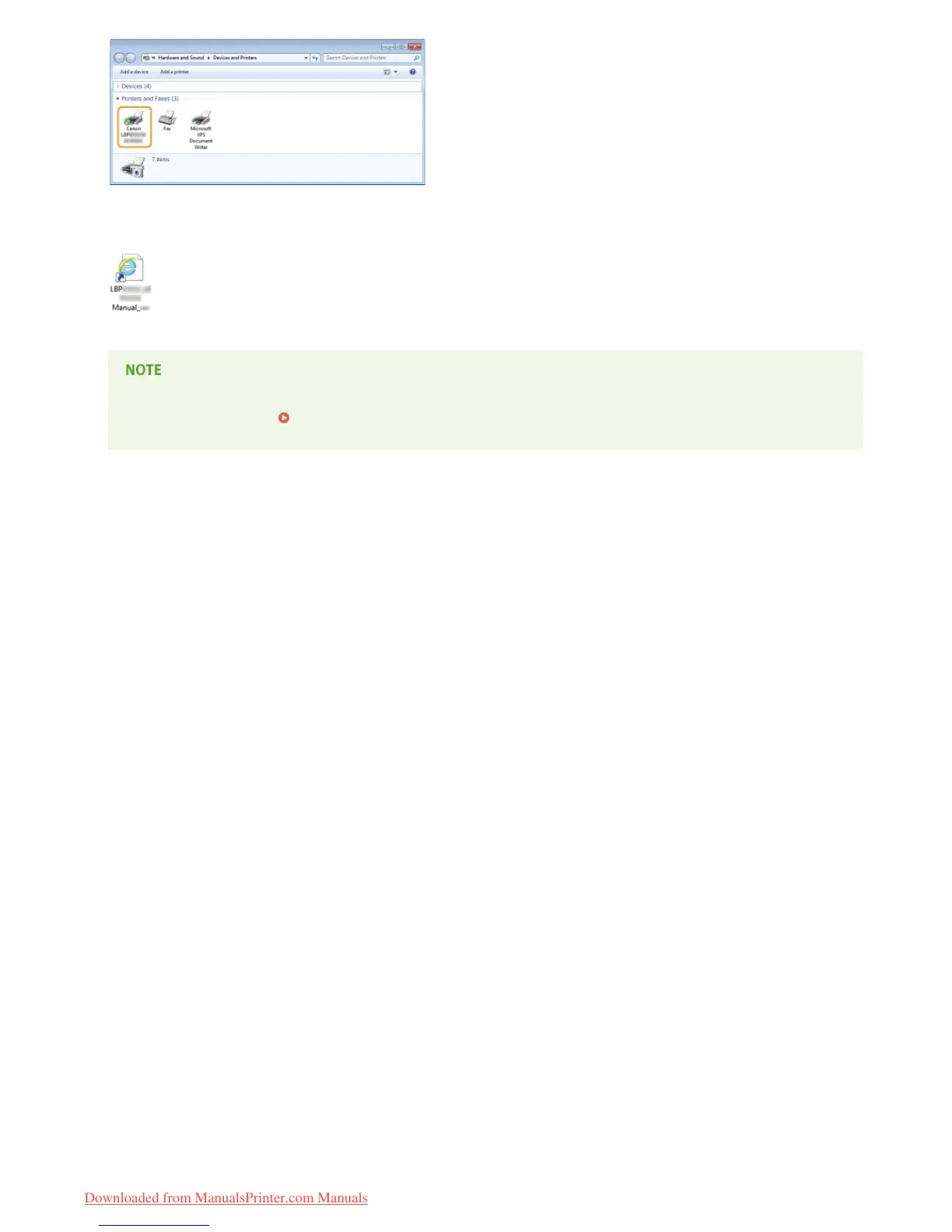
If the e-Manual has been installed correctly, a shortcut icon for the e-Manual will be displayed on the desktop.
However, the icon is not displayed if you selected [Custom Installation].
If the icon is not displayed
Uninstall the printer driver ( Uninstalling Printer Drivers) and repeat the setup from the beginning.
*
㻝㻞㻌㻛㻌㻡㻟
Downloaded from ManualsPrinter.com Manuals




 To Next Page