>
Printing from a Computer
>
Printing with the Bundled Application Software
> Printing Layout > Starting
Easy-PhotoPrint EX
A151
Starting Easy-PhotoPrint EX
1.
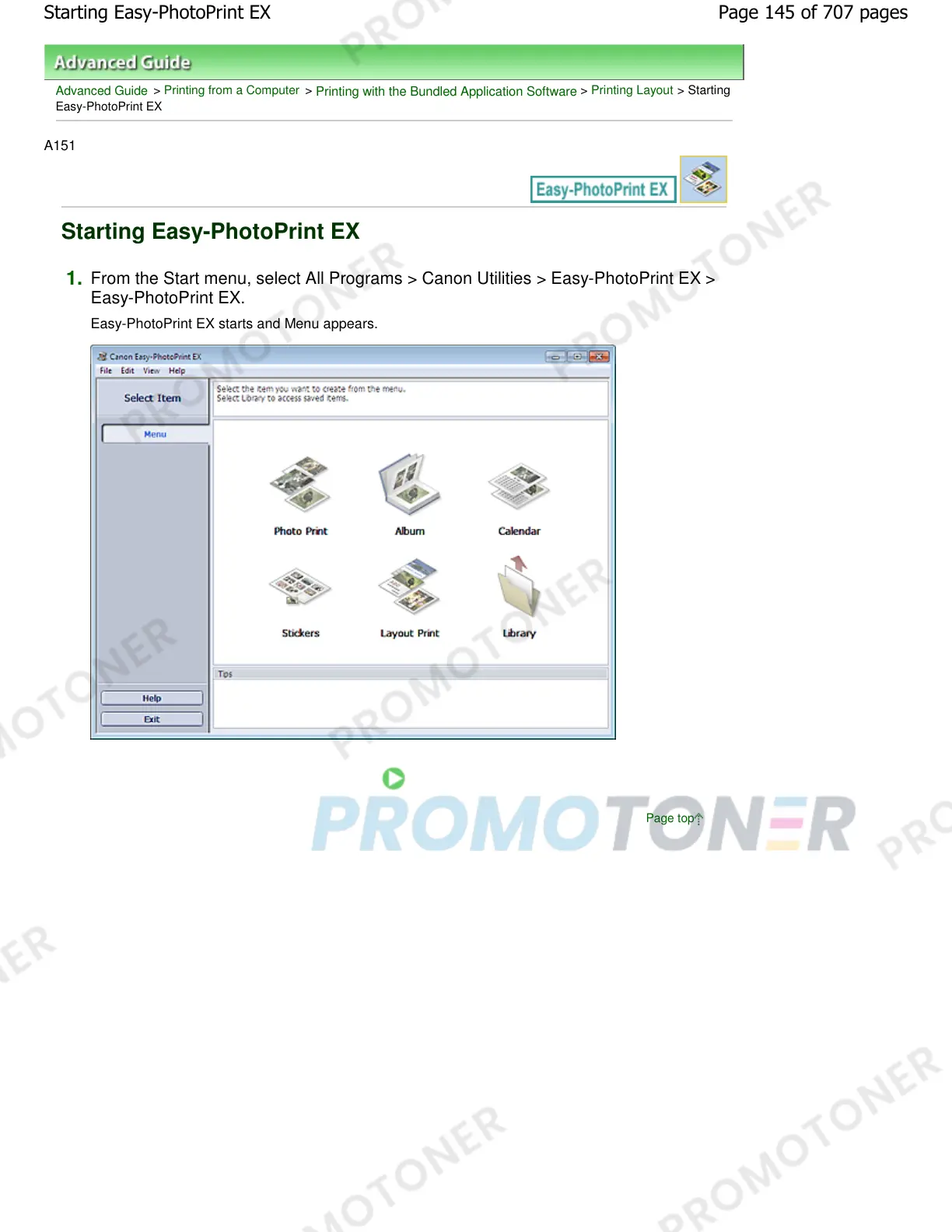
From the Start menu, select All Programs > Canon Utilities > Easy-PhotoPrint EX >
Easy-PhotoPrint EX.
Easy-PhotoPrint EX starts and Menu appears.
Page top
Page 145 of 707 pagesStarting Easy-PhotoPrint EX














 To Next Page