You can switch the size of paper loaded in the Rear Tray between A4 and 8.5" x 11" (Letter).
This setting is useful if you usually load Letter-sized paper in the Rear Tray regardless of the page size
indication "A4" on the Operation Panel, or vice versa.
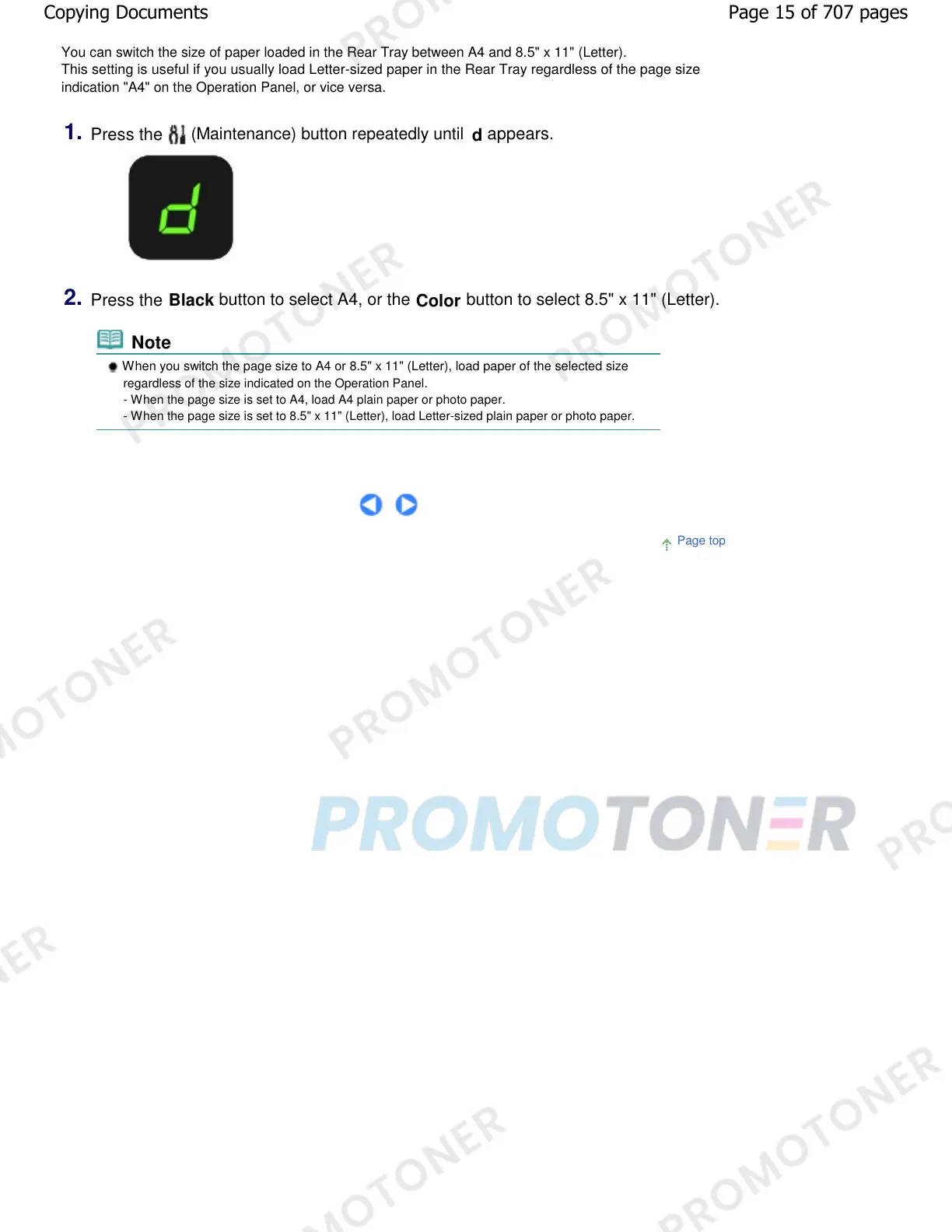
1.
Press the
(Maintenance) button repeatedly until
d
appears.
2.
Press the
Black
button to select A4, or the
Color
button to select 8.5" x 11" (Letter).
Note
When you switch the page size to A4 or 8.5" x 11" (Letter), load paper of the selected size
regardless of the size indicated on the Operation Panel.
- When the page size is set to A4, load A4 plain paper or photo paper.
- When the page size is set to 8.5" x 11" (Letter), load Letter-sized plain paper or photo paper.
Page top
Page 15 of 707 pagesCopying Documents










 To Next Page