>
Printing from a Computer
>
Printing with the Bundled Application Software
>
Photo Print Settings >
Printing Photo Information
A079
Printing Photo Information
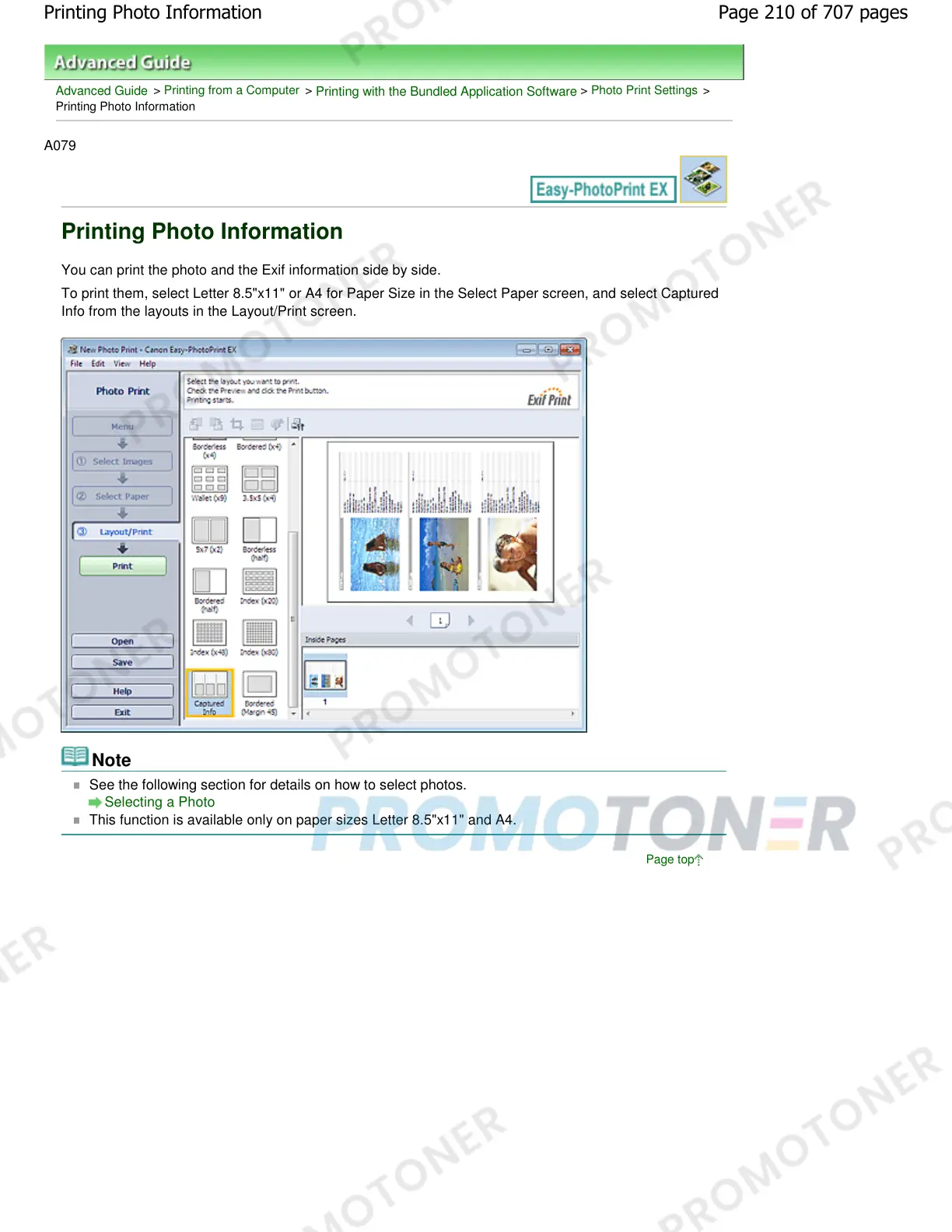
You can print the photo and the Exif information side by side.
To print them, select Letter 8.5"x11" or A4 for Paper Size in the Select Paper screen, and select Captured
Info from the layouts in the Layout/Print screen.
Note
See the following section for details on how to select photos.
Selecting a Photo
This function is available only on paper sizes Letter 8.5"x11" and A4.
Page top
Page 210 of 707 pagesPrinting Photo Information














 To Next Page