>
Printing from a Computer
>
Printing with the Bundled Application Software
>
Other Settings
>
Swapping Positions of Photos
A083
Swapping Positions of Photos
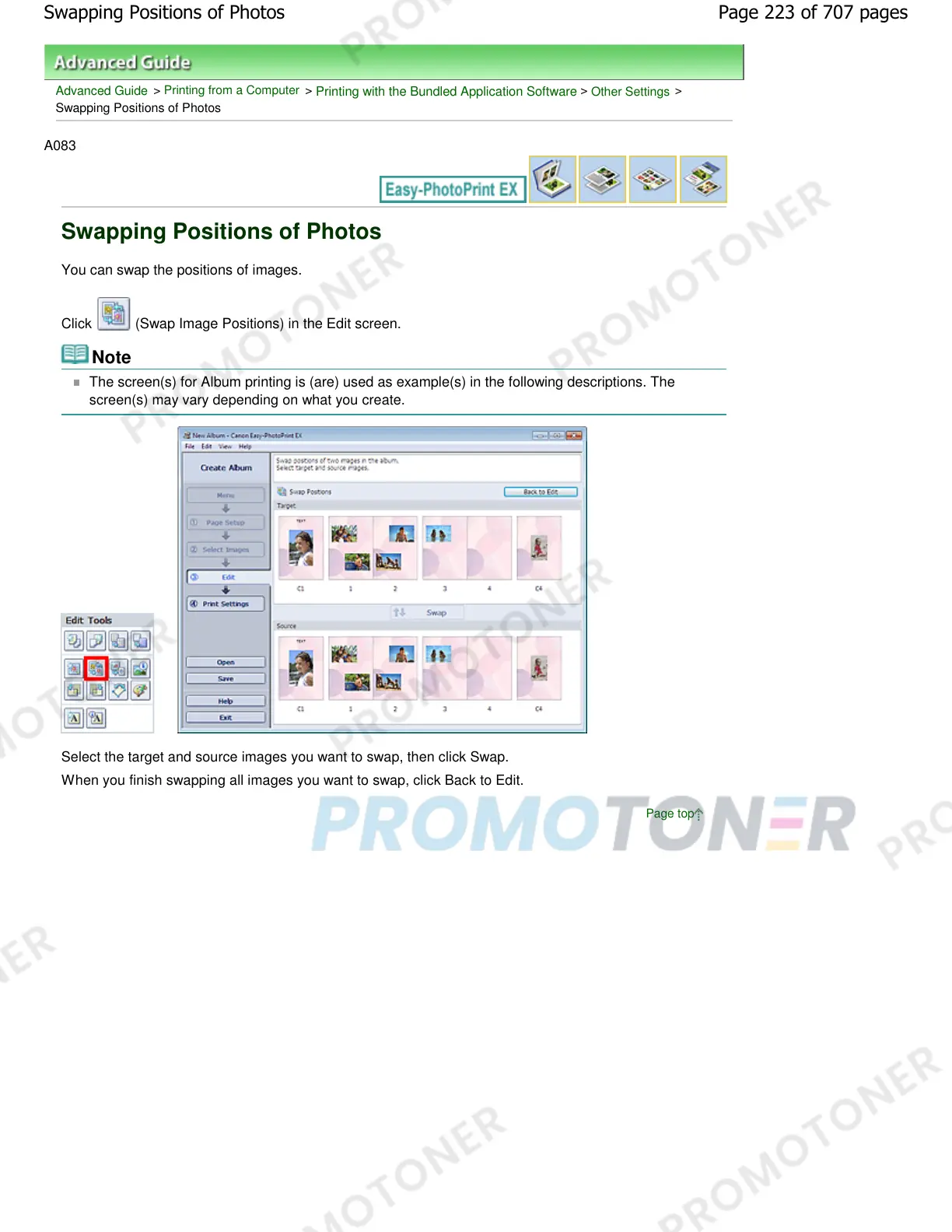
You can swap the positions of images.
Click
(Swap Image Positions) in the Edit screen.
Note
The screen(s) for Album printing is (are) used as example(s) in the following descriptions. The
screen(s) may vary depending on what you create.
Select the target and source images you want to swap, then click Swap.
When you finish swapping all images you want to swap, click Back to Edit.
Page top
Page 223 of 707 pagesSwapping Positions of Photos














 To Next Page