>
Printing from a Computer
>
Printing with the Bundled Application Software
>
Other Settings
>
Cropping Photos
A086
Cropping Photos
Cropping an image is the act of removing the unnecessary portions of the image by selecting the
necessary portions.
Select the image you want to crop in the Edit screen and click (Edit Image) or double-click the
image.
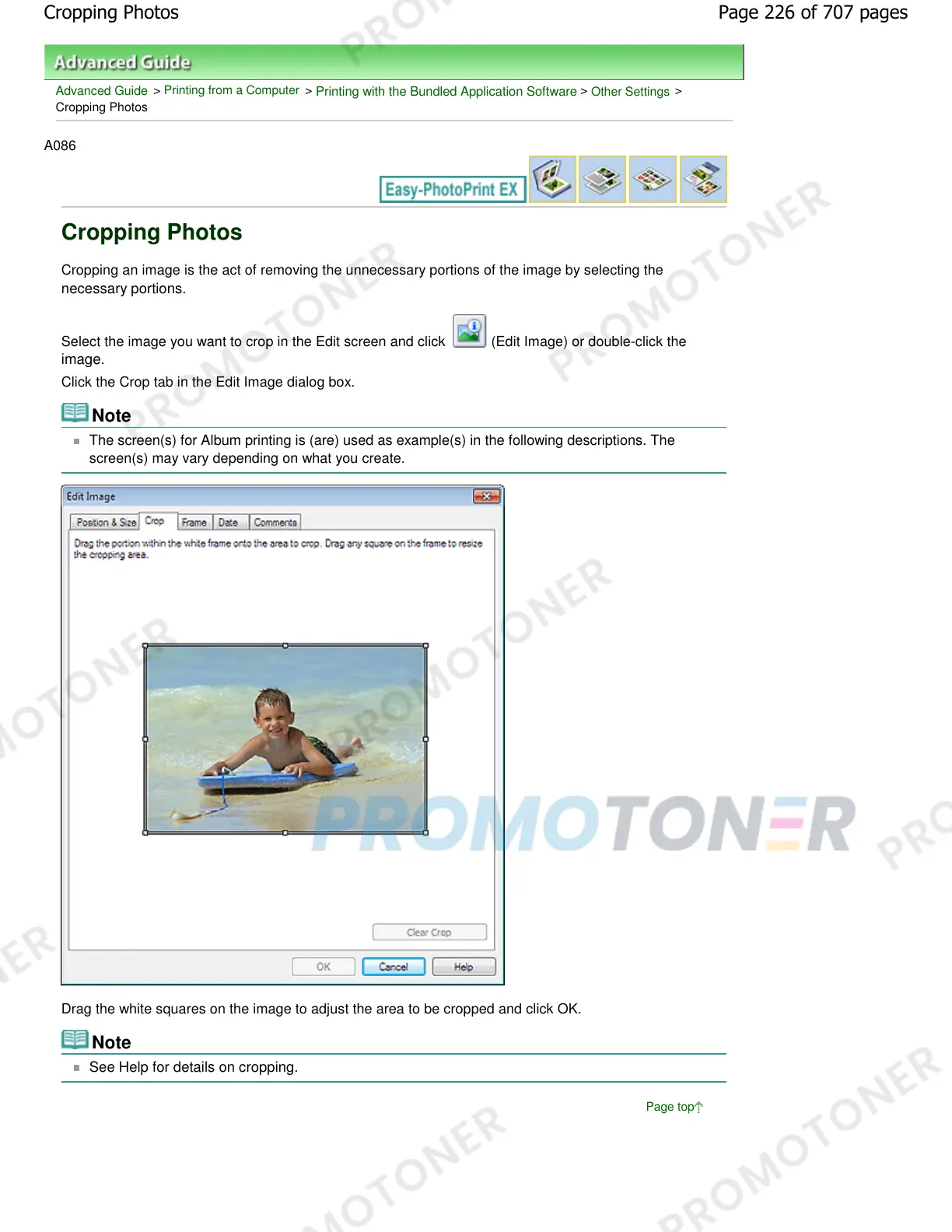
Click the Crop tab in the Edit Image dialog box.
Note
The screen(s) for Album printing is (are) used as example(s) in the following descriptions. The
screen(s) may vary depending on what you create.
Drag the white squares on the image to adjust the area to be cropped and click OK.
Note
See Help for details on cropping.
Page top
Page 226 of 707 pagesCropping Photos














 To Next Page