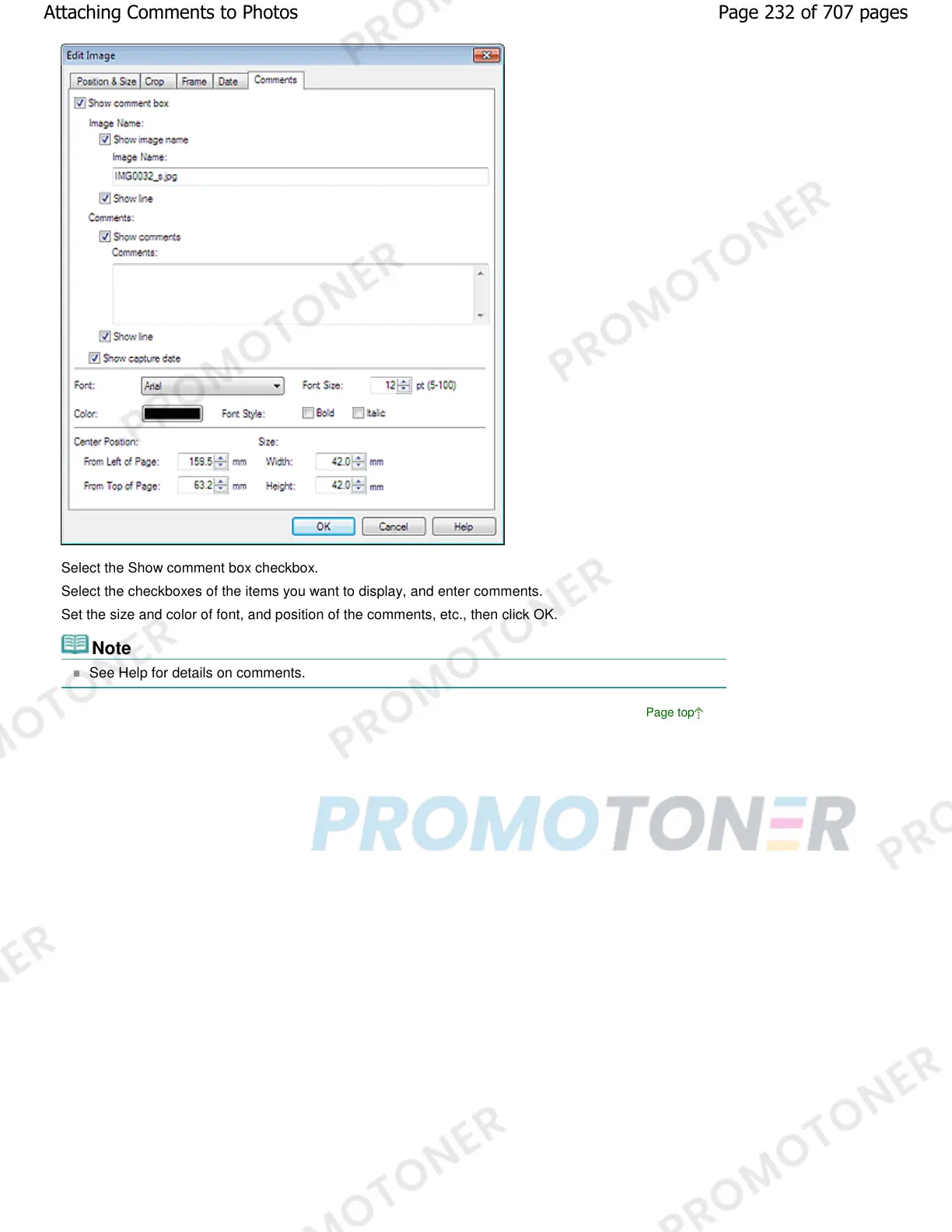
Select the Show comment box checkbox.
Select the checkboxes of the items you want to display, and enter comments.
Set the size and color of font, and position of the comments, etc., then click OK.
Note
See Help for details on comments.
Page top
Page 232 of 707 pagesAttaching Comments to Photos














 To Next Page