Note
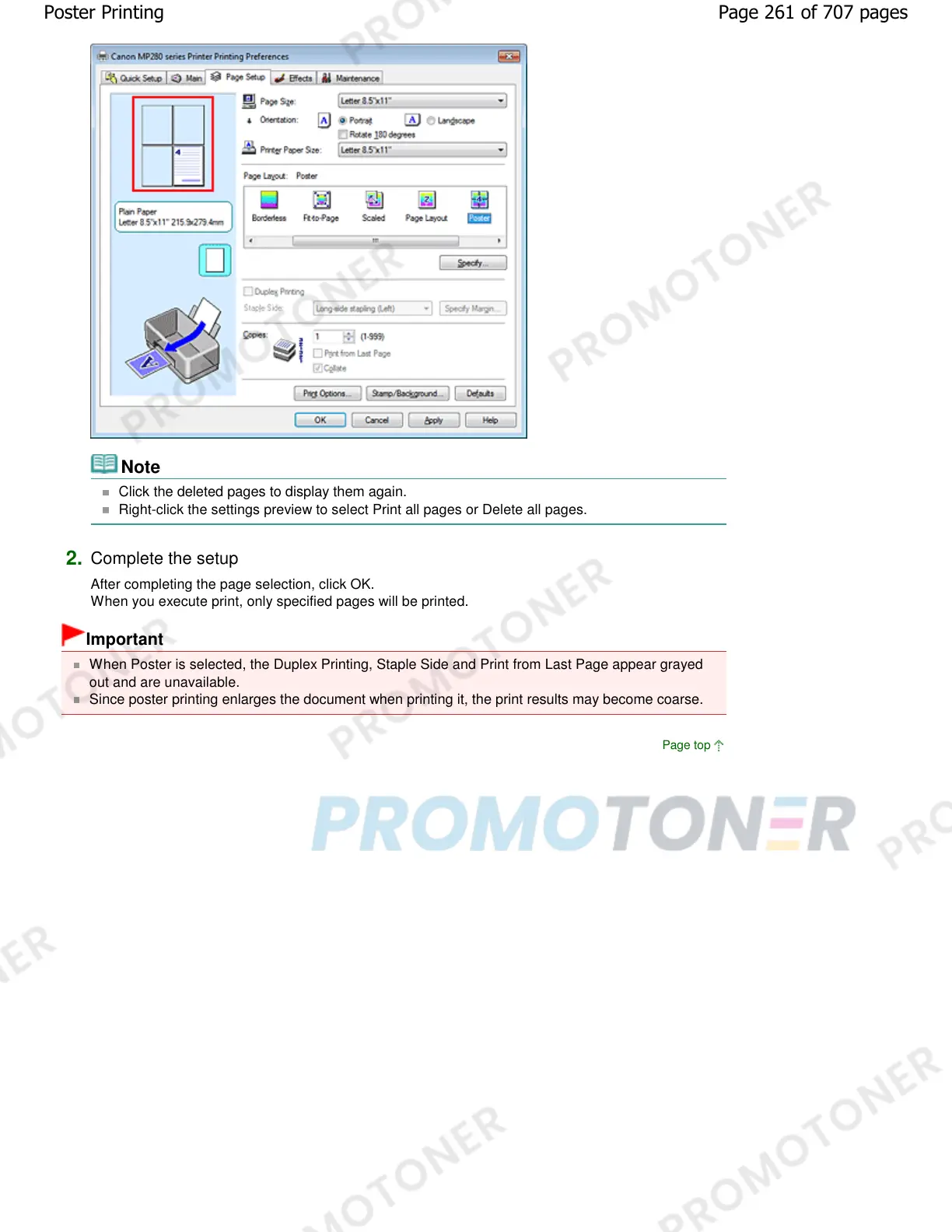
Click the deleted pages to display them again.
Right-click the settings preview to select Print all pages or Delete all pages.
2.
Complete the setup
After completing the page selection, click OK.
When you execute print, only specified pages will be printed.
Important
When Poster is selected, the Duplex Printing, Staple Side and Print from Last Page appear grayed
out and are unavailable.
Since poster printing enlarges the document when printing it, the print results may become coarse.
Page top
Page 261 of 707 pagesPoster Printing














 To Next Page