2901
Cause
Print head alignment pattern has been printed and printer is waiting to scan sheet.
What to Do
Scan the printed alignment pattern.
1.
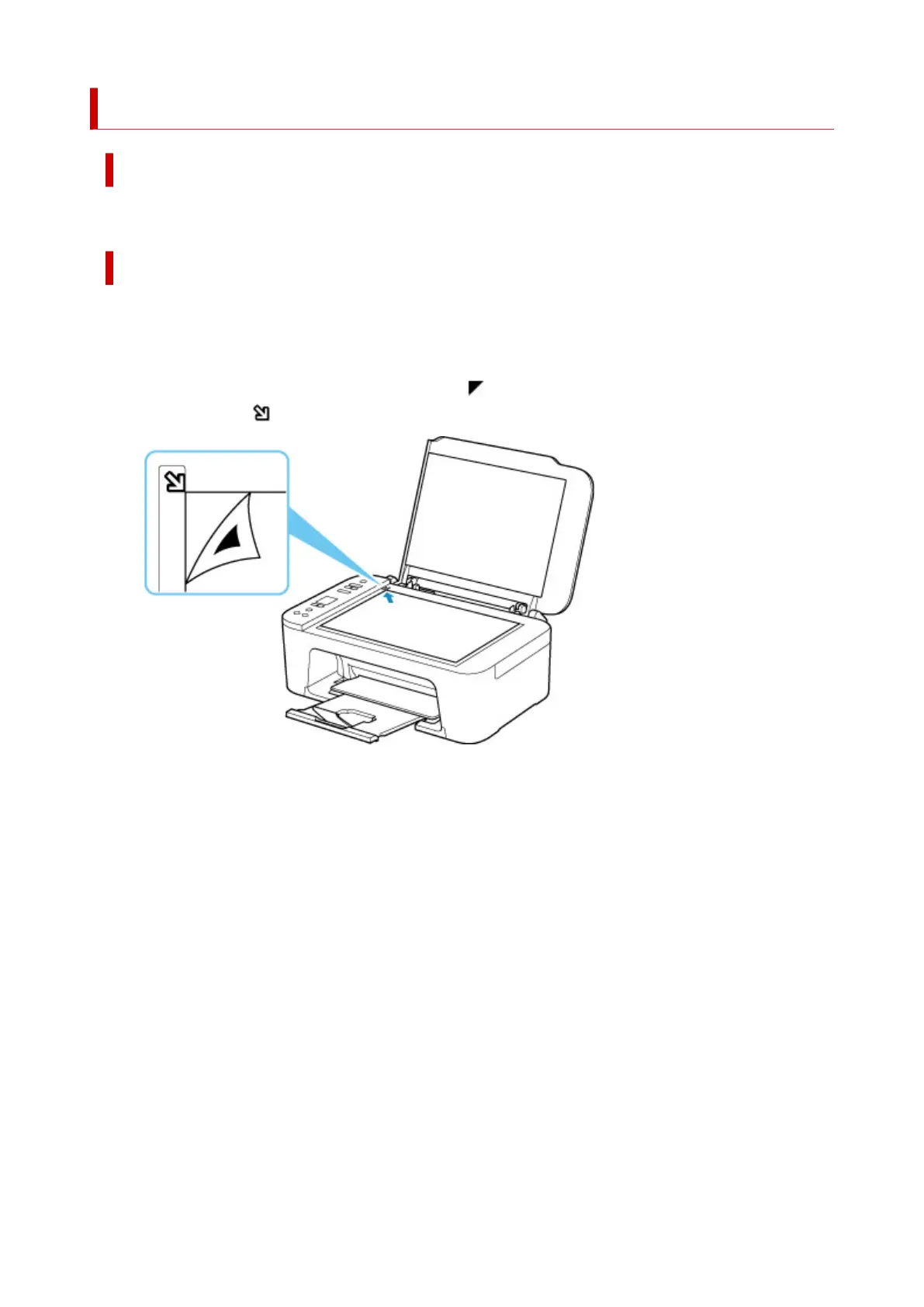
Load print head alignment sheet on platen.
Place the printed side down and align the mark in the upper left corner of the sheet with the
alignment mark
.
2.
Slowly close the document cover and press printer's Color button or Black button.
The printer starts scanning the print head alignment sheet and automatically adjusts the print head
position.
369



 To Next Page
 Loading...








