Starting Up IJ Network Device Setup Utility
Start up IJ Network Device Setup Utility as shown below.
• In Windows 10, select Start > (All apps > ) > Canon Utilities > IJ Network Device Setup Utility.
• In Windows 8.1 or Windows 8, select IJ Network Device Setup Utility on the Start screen to start IJ
Network Device Setup Utility. If IJ Network Device Setup Utility is not displayed on the Start screen,
select the Search charm and search for "IJ Network Device Setup Utility".
• In Windows 7 or Windows Vista, click Start and select All Programs, Canon Utilities, IJ Network
Device Setup Utility, and then IJ Network Device Setup Utility.
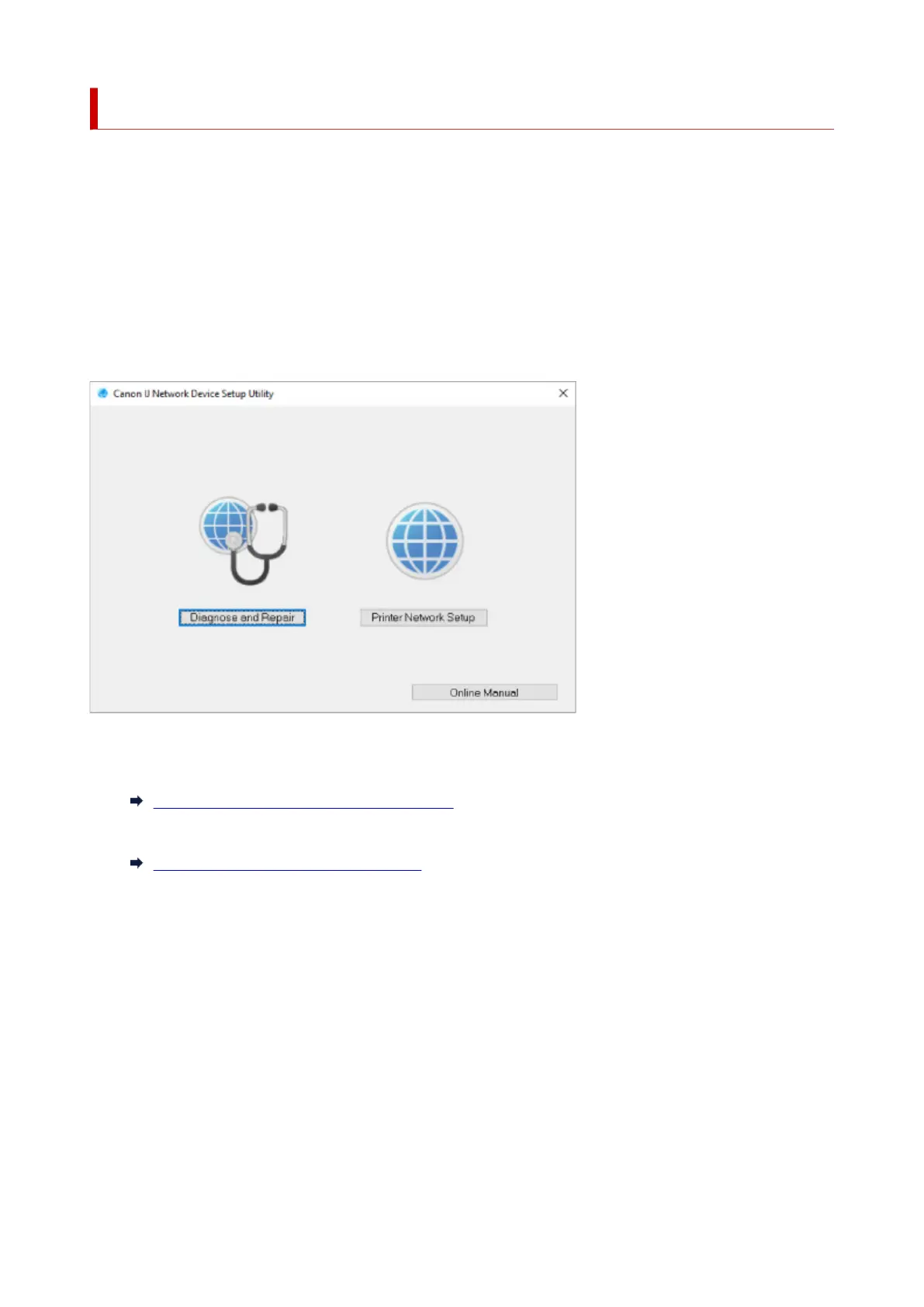
When you start up IJ Network Device Setup Utility, a message appears. Check the message and select
Yes. The screen below appears.
Select Diagnose and Repair or Printer Network Setup on the displayed screen.
• If you select Diagnose and Repair:
Diagnosing and Repairing Network Settings
• If you select Printer Network Setup:
Performing/Changing Network Settings
47



 To Next Page
 Loading...








