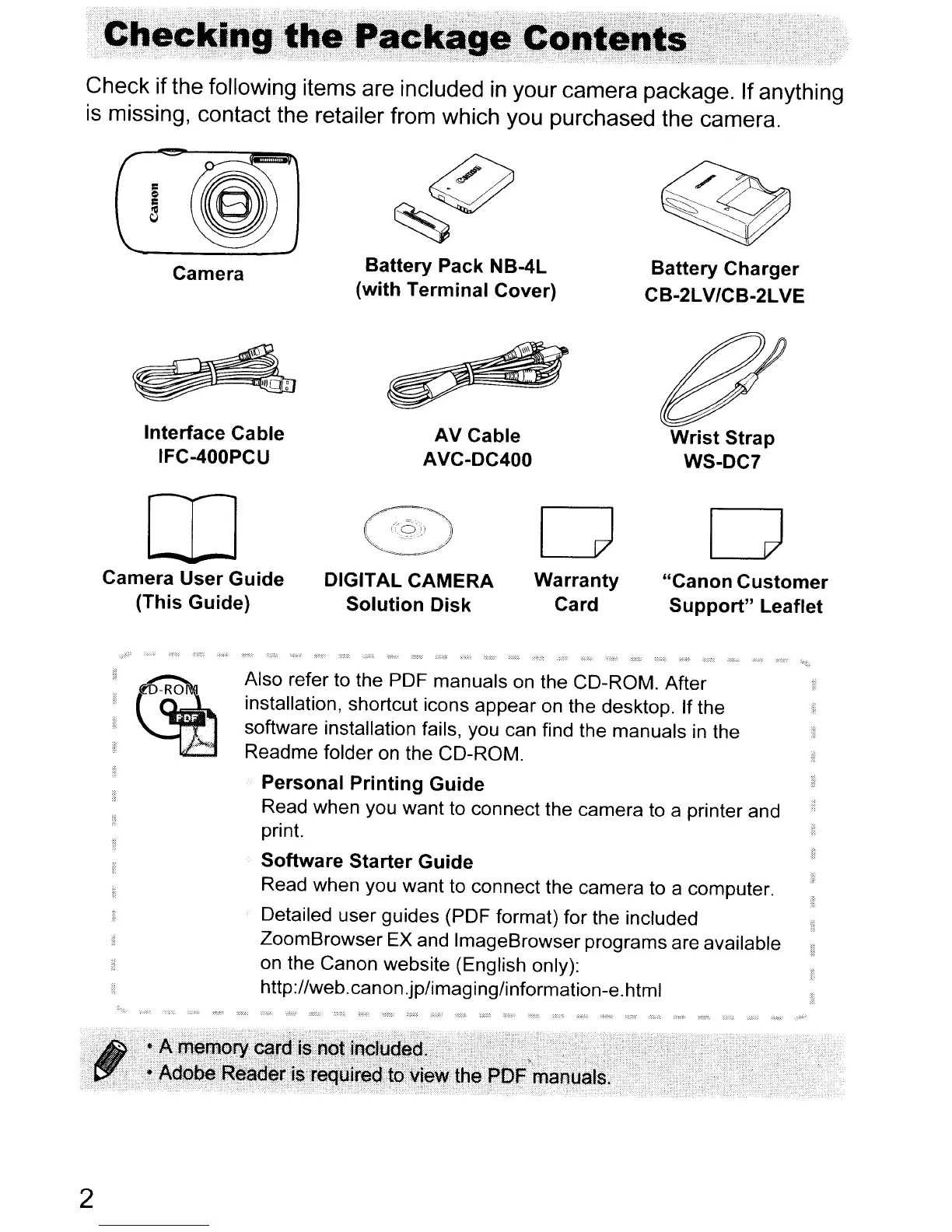
Check if the following items are included
in
your camera package. If anything
is missing, contact the retailer from which you purchased the camera.
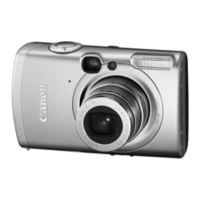
Camera
Interface Cable
IFC-400PCU
Battery
Pack NB-4L
(with
Terminal
Cover)
AV Cable
AVC-DC400
Battery
Charger
CB-2LV/CB-2LVE
Wrist
Strap
WS-DC7
IT]
Camera
User
Guide
(This Guide)
DIGITAL CAMERA
Solution
Disk
D
Warranty
Card
D
"Canon
Customer
Support"
Leaflet
'(~
~
Also refer to the PDF manuals on the CD-ROM. After
installation, shortcut icons appear on the desktop. If the
software installation fails, you can find the manuals
in
the
Readme folder on the CD-ROM.
Personal
Printing
Guide
Read when you want to connect the camera to a printer and
print.
Software
Starter
Guide
Read when you want to connect the camera to a computer.
Detailed user guides (PDF format) for the included
ZoomBrowser EX and ImageBrowser programs are available
on the Canon website (English only):
http://web.canon.jp/imaging/information-e.html
2










 To Next Page